stough 202-
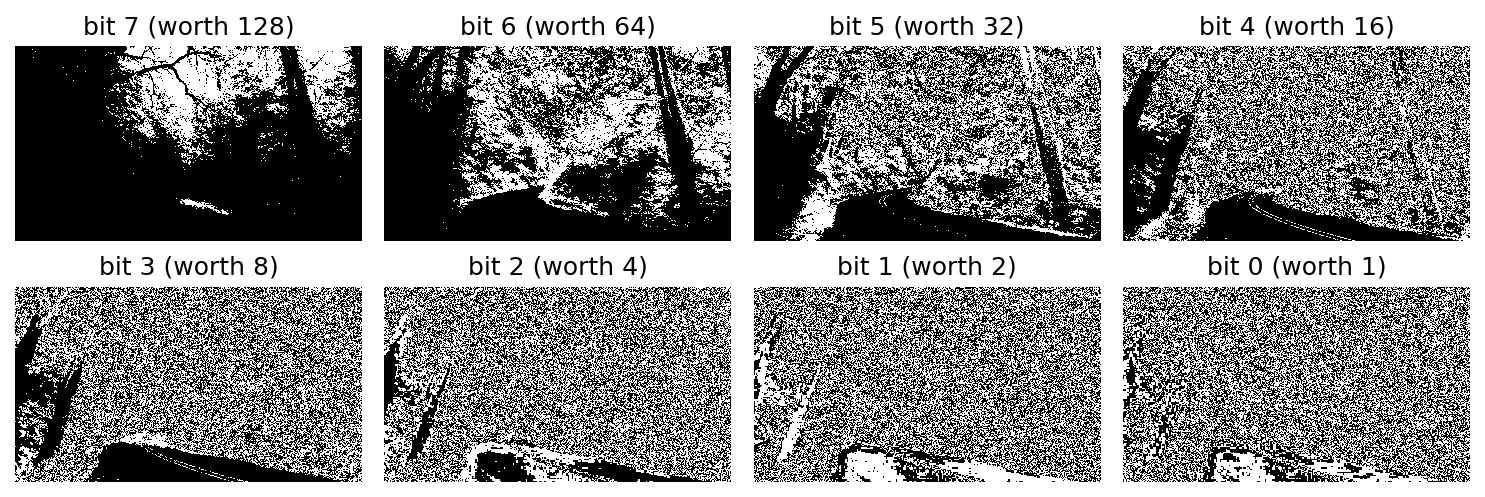
A quick bit-slicing demo to show that the low-order bits often show little relevant information, while the high-order bits show more relevant information: most of what you perceive in the image is encoded in the high-order bits. We’ll demonstrate this with an example of steganography, where we hide a secret message within a public message. If you know where to look you can tease out the hidden message from the public one.
%matplotlib inline
import matplotlib.pyplot as plt
import numpy as np
import matplotlib.colors as mcolors
import skimage.color as color
from ipywidgets import VBox, HBox, IntSlider
from scipy.interpolate import interp1d

# For importing from alternative directory sources
import sys
sys.path.insert(0, '../dip_utils')

from matrix_utils import arr_info

from vis_utils import vis_pair
I = plt.imread('../dip_pics/roadforest.jpg')
I = (255*color.rgb2gray(I)).astype('uint8')
#Load the message image
Im = plt.imread('../dip_pics/happy1BitPad.png')[...,0]
Im = Im.astype('uint8')vis_pair(I, Im, first_title="Image", second_title="hidden", show_ticks=False, cmap='gray')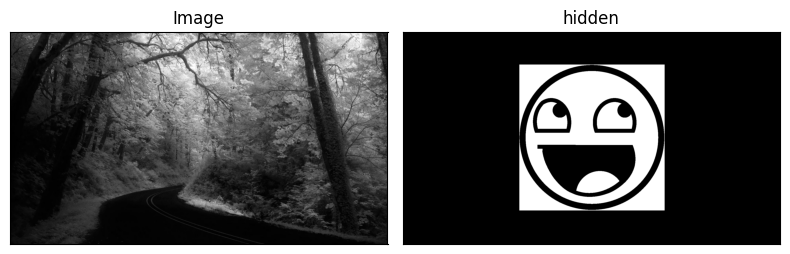
print(arr_info(I))
print(arr_info(Im))
((1080, 1920), dtype('uint8'), np.uint8(0), np.uint8(255))
((1080, 1920), dtype('uint8'), np.uint8(0), np.uint8(1))
Our image I is 8-bit grayscale, and the message Im is binary: just 0s and 1s, the same size as I.
Bit Planes
Each 8-bit pixel value is a sum of powers of two:
The image made of just the th bit of every pixel is called the th bit plane. The most significant bit decides whether a pixel is in the top or bottom half of the intensity range, a swing of 128 levels, while the least significant bit moves the value by just 1. We can pull out any plane with a bitwise and against a mask that has only that bit set: I & 0b00001000 (that is, I & 0x08) keeps only . Let’s look at all eight.
f, ax = plt.subplots(2, 4, figsize=(10,3.5), sharex=True, sharey=True)
for k, a in zip(range(7, -1, -1), ax.ravel()):
    a.imshow((I >> k) & 1, cmap='gray', interpolation='none')
    a.set_title(f'bit {k} (worth {2**k})')
    a.set_axis_off()
plt.tight_layout()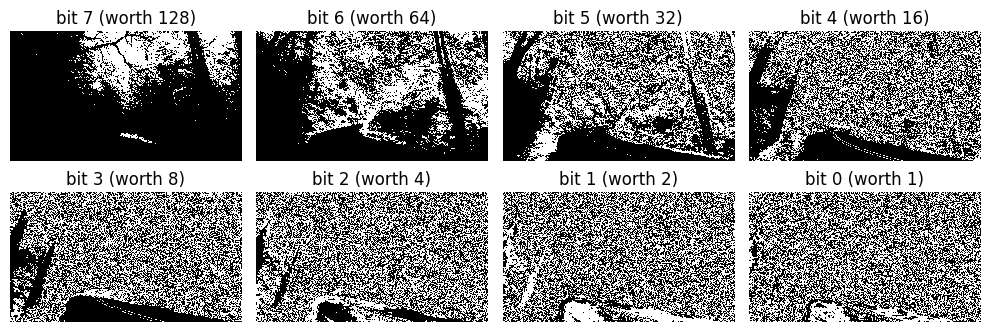
The top couple of planes look like crude but recognizable versions of the scene: the high-order bits hold most of what we perceive. By bit 4 the structure is mostly gone, and from bit 3 down the planes look like random noise. Natural images have noise and fine texture at the level of a few gray levels, so their low-order bits are essentially random. (The exceptions are the darkest regions, like the road and the tree trunk at left, which stay solid black through several planes.)
That makes the low-order bits a great place to hide something. Changing changes a pixel by at most 1 out of 255, far too little to see, and the plane we’d be overwriting looks like noise anyway. The next cell shows plane 3 by itself, as one example.
# Use bit-wise and (&0b) to view each plane of the image.
plt.figure(figsize=(6,3))
plt.imshow(I&0x08, cmap='gray');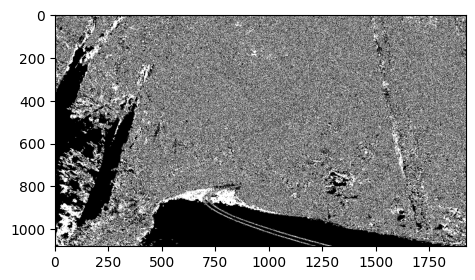
Hiding a Message
A bitwise or with the message, I | Im, sets bit 0 to 1 wherever the message is 1 and leaves the pixel alone wherever the message is 0. Since Im only has values 0 and 1, it can only ever touch bit 0.
# Use an OR operation to hide the message in the 1's bit plane of the image.
plt.figure(figsize=(6,3))
plt.imshow(I|Im, cmap='gray');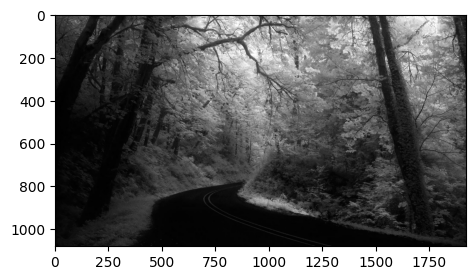
J = I|Im
plt.figure(figsize=(6,3))
plt.imshow(J&0x01, cmap='gray');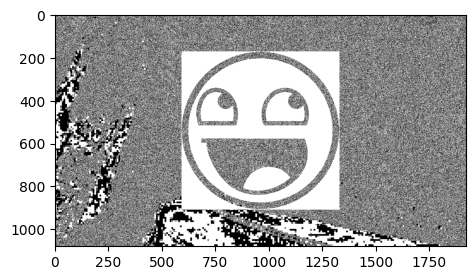
Pulling out bit 0 of J reveals the message. But look closely: the white parts of the face are clean, while the black strokes (the eyes, mouth and outline) are filled with the same noise as the rest of bit 0. That’s because or can set a bit to 1 but never clear it to 0. Wherever the message is 0, bit 0 still holds the image’s original, random low bit.
To embed the message exactly, first clear bit 0 everywhere with I & 0xFE (binary 11111110), then or in the message:
J2 = (I & 0xFE) | Im

f, ax = plt.subplots(1, 2, figsize=(9,2.5), sharex=True, sharey=True)
ax[0].imshow(J & 1, cmap='gray', interpolation='none')
ax[0].set_title('bit 0 of I | Im')
ax[1].imshow(J2 & 1, cmap='gray', interpolation='none')
ax[1].set_title('bit 0 of (I & 0xFE) | Im')
[a.set_axis_off() for a in ax];
plt.tight_layout()

print('Largest change to any pixel:', np.abs(J2.astype(int) - I.astype(int)).max())
Largest change to any pixel: 1
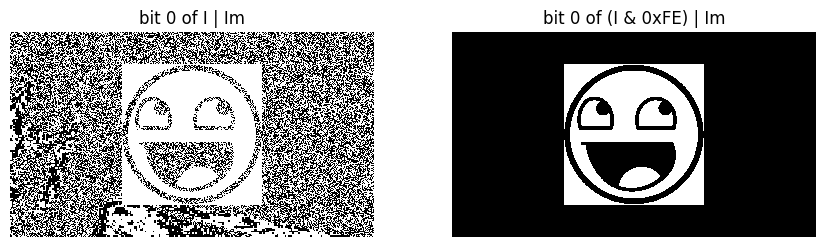
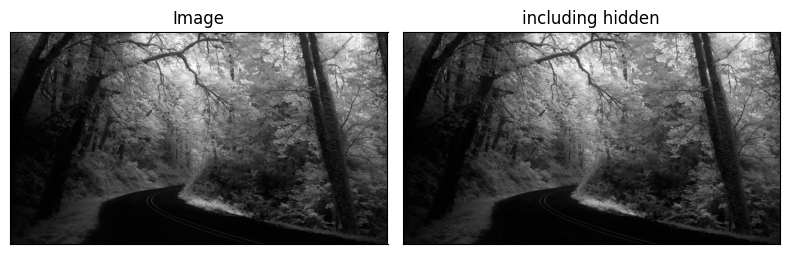
Now bit 0 is the message, and no pixel of the image changed by more than one gray level. You can view the two side by side below and convince yourself you can’t tell which one carries the secret. This is the simplest form of least-significant-bit steganography. It’s fragile, though: any processing that perturbs the low bits, such as lossy JPEG compression, slight brightening, or resizing, destroys the message.
vis_pair(I, J2, first_title="Image", second_title="including hidden", show_ticks=False, cmap='gray')