
Preface
Imaging is everywhere! In this text, we will cover broadly the acquisition, processing, and analysis of digital images, covering topics ranging from the human visual system, to image and video compression algorithms, to pattern recognition and machine learning within the context of automatic image understanding. Best of all, for the sake of access, immediacy, and usability, all content and code examples are in the form of interactive Jupyterlab notebooks, including integrated activities!
Written with extensive assistance of Claude in drafting narrative and copyediting, and backend book production, based on the draft notebook collection at joshuastough
A note on AI
With the advent of IDE-integrated LLM copilots, any of the integrated activities or playpen notebooks are trivial to complete. That is, your completion of them reflect almost nothing about your understanding of the material.
If you’re in class using this textbook resource, you can be expected to have to explain your work in non-augmented coding interviews throughout the course, which will comprise much of your grade. These integrated activities are to help guide your learning, not add to your instructor’s menial labor.
Using this Book
Every section is a Jupyter notebook you can run, change, and break. You can work through the book in one of three ways:
Locally (recommended): clone your private fork, run
uv sync, and open the notebooks in VS Code or JupyterLab with the.venvkernel. See the README for details, including where to put the datasets a few chapters need.In Colab: run the Colab setup notebook (there’s an Open in Colab badge in the README). It copies the book into your Google Drive and gives you a short setup cell for each notebook you open. No install needed, and Colab offers a free GPU.
Just reading: the notebooks render on GitHub, though the interactive figures won’t respond there.
Notebooks marked 🔨 exercise are activities, with empty cells for you to complete. demo notebooks are short, focused examples. extra notebooks are optional asides.
Within the notebooks, two kinds of sections ask you to do the work yourself:
🔨 Your Turn sections pause a notebook to give you a specific task, with some guidance on how to approach it, followed by an empty code cell for your work. The rest of the notebook never depends on your answer, so you can come back to them.
🧠 Further Efforts close many notebooks with a list of more open-ended problems, the counterpart of a textbook’s end-of-chapter problem set. Each comes with a hint about where to start.
Topics
1. Numpy And Visualization
 Numpy Tutorial
 Matplotlib Tutorial
 Interactive Visualization
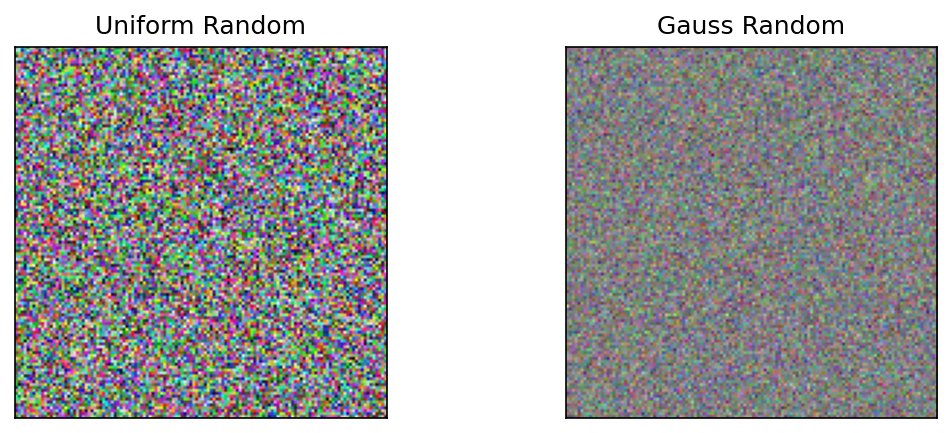 Probability Distributions, Gaussian and Uniform
 extra viewing video
2. Sensing and Acquisition, Sampling and Quantization
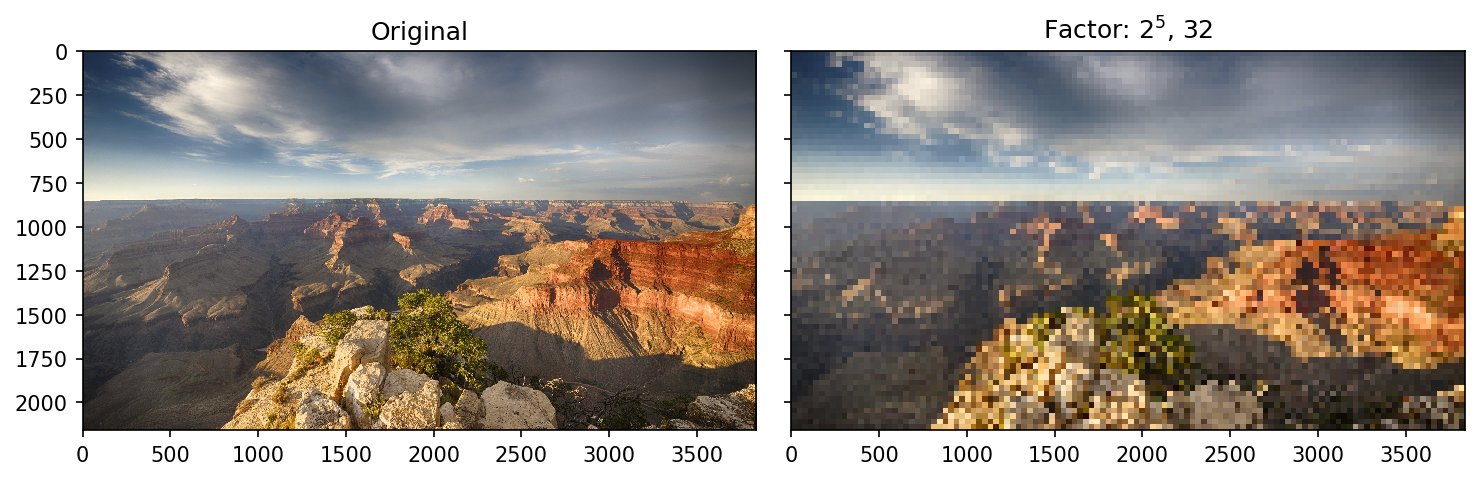 Sampling and Spatial Resolution
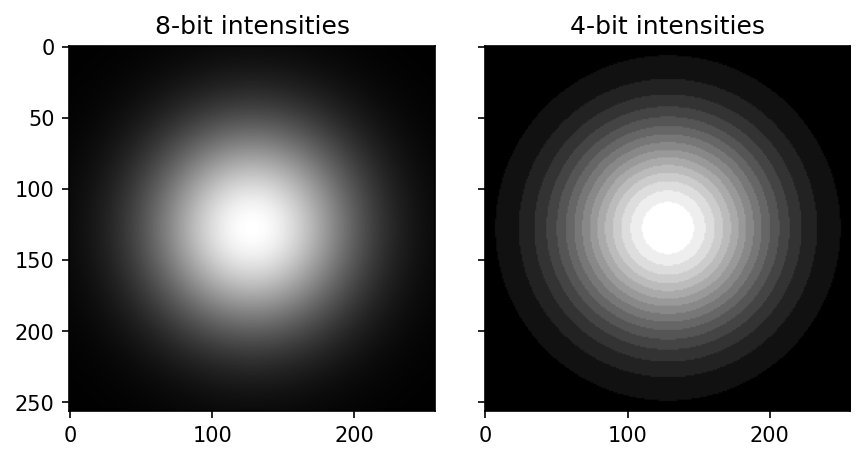 Color Resolution or Quantization
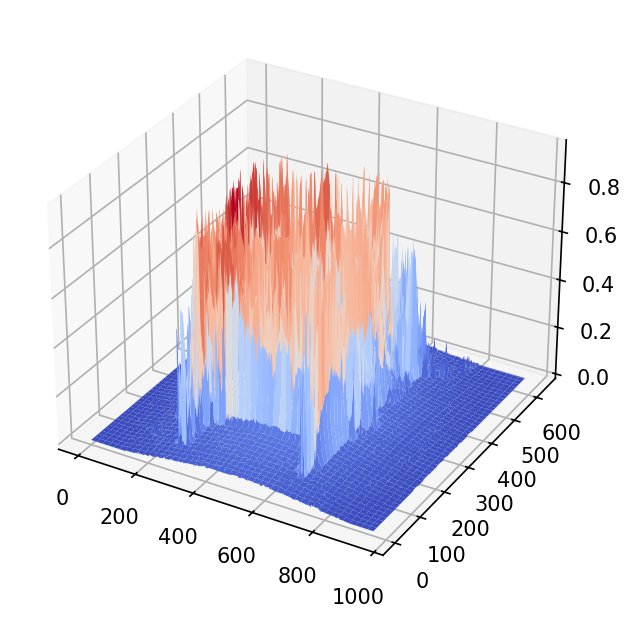 demo heightmap
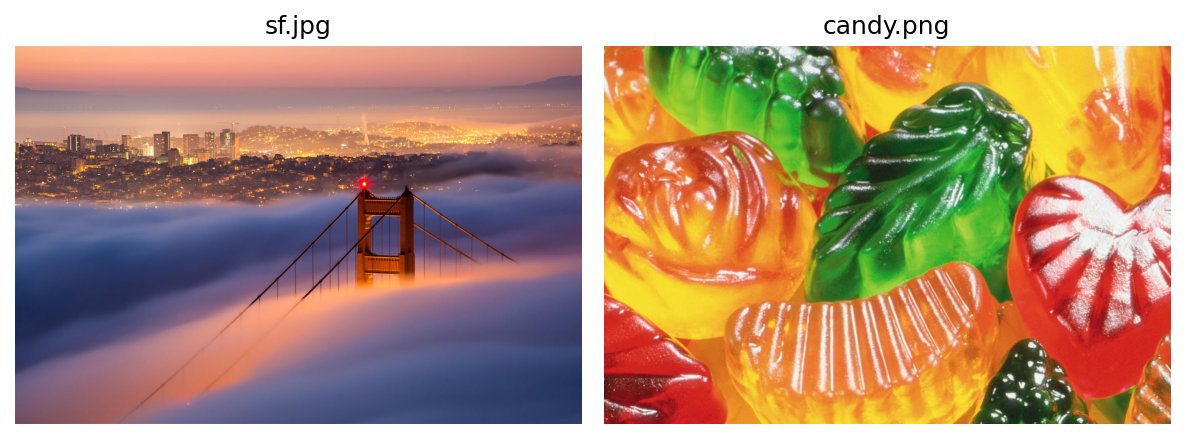 🔨 exercise playing with images
 extra spatial resolution gif maker
3. Color
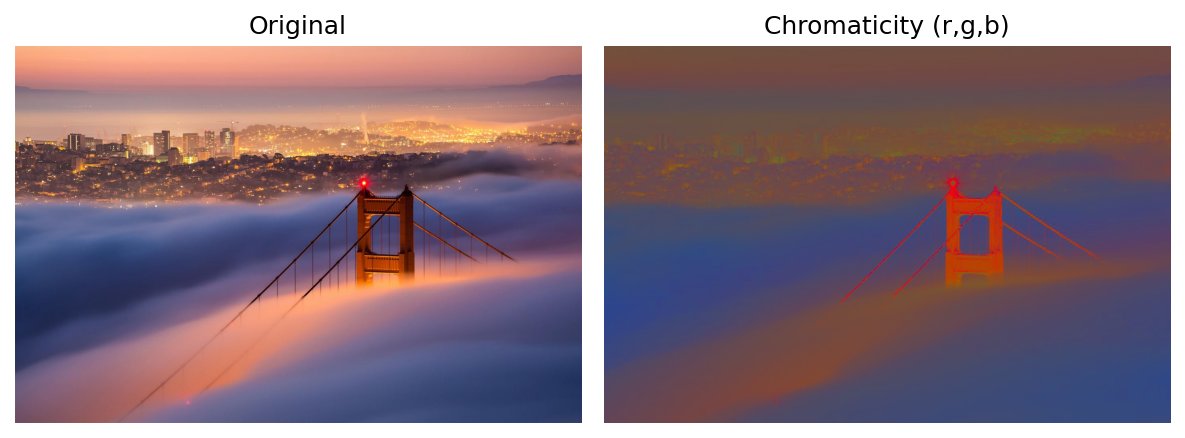 Brightness, Hue, Saturation, Chromaticity
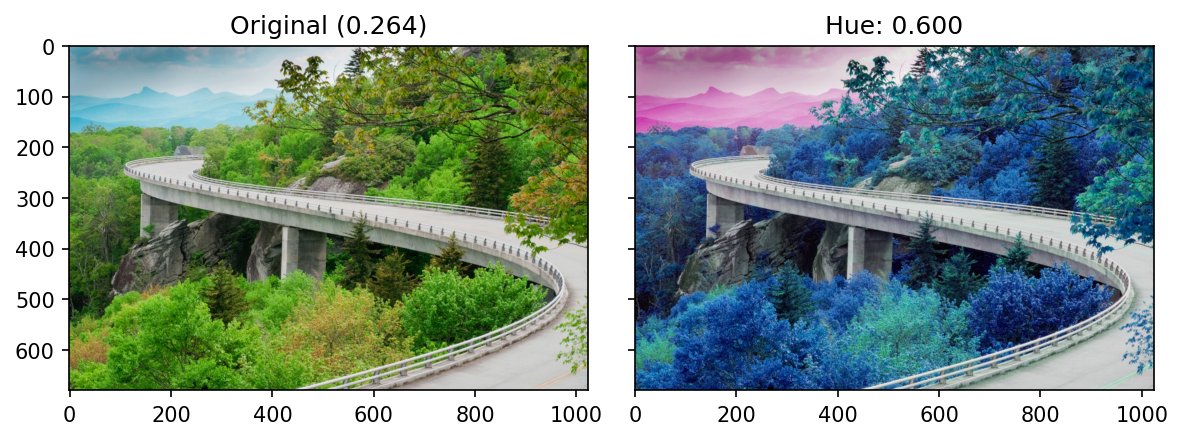 HSV
HSV
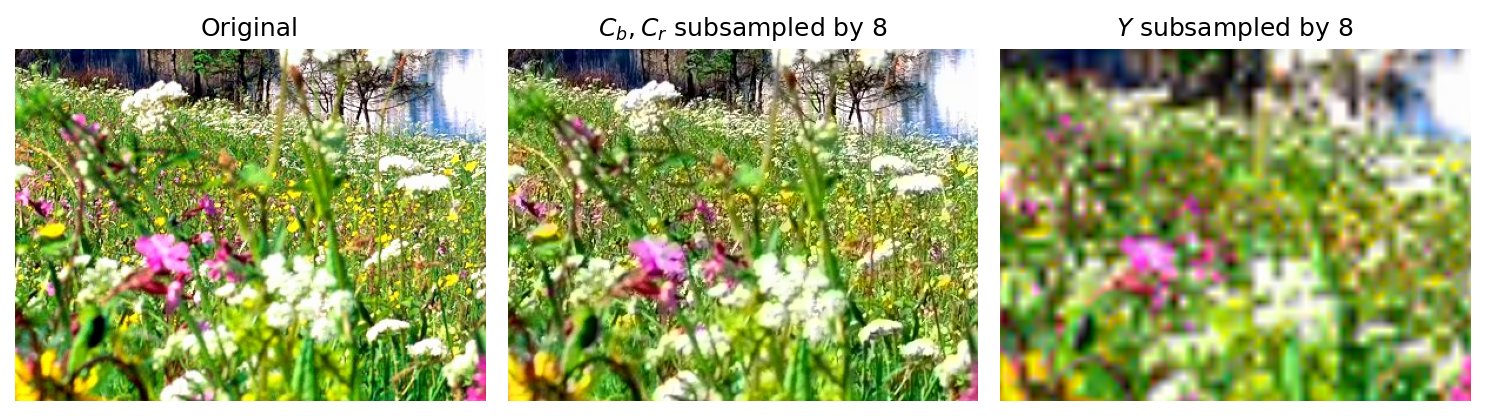 YCbCr
YCbCr
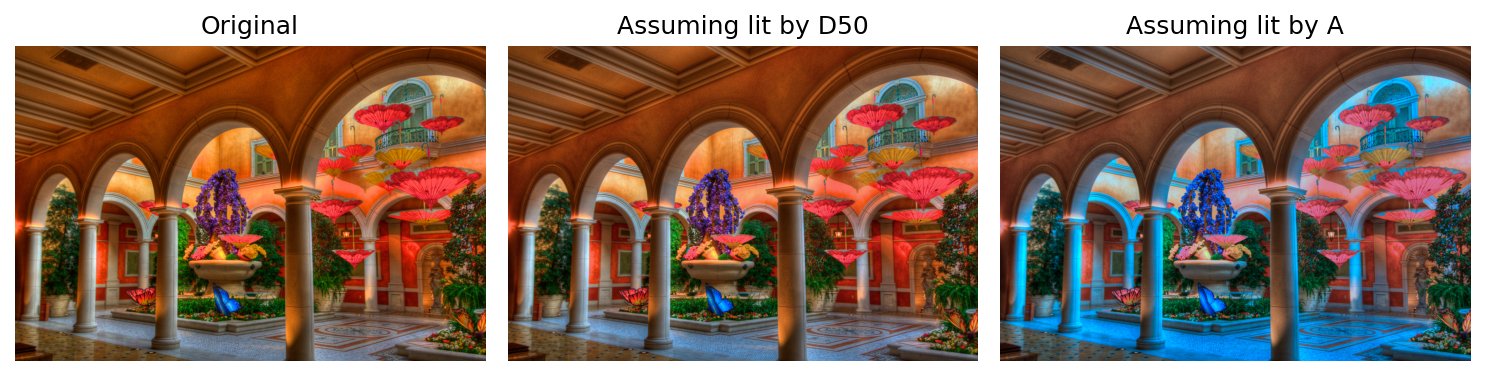 L*a*b* and CIE Illuminants
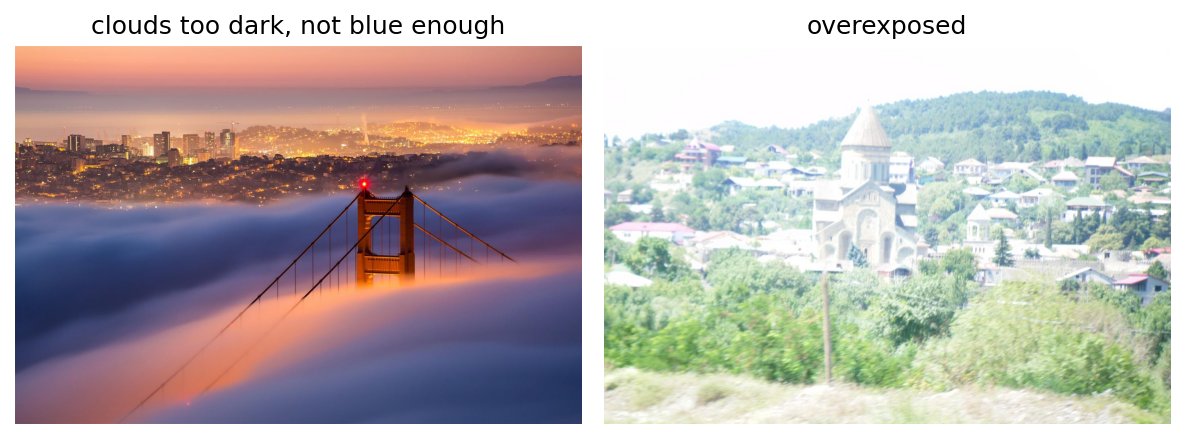 🔨 exercise playing with color
4. Contrast and Image Enhancement
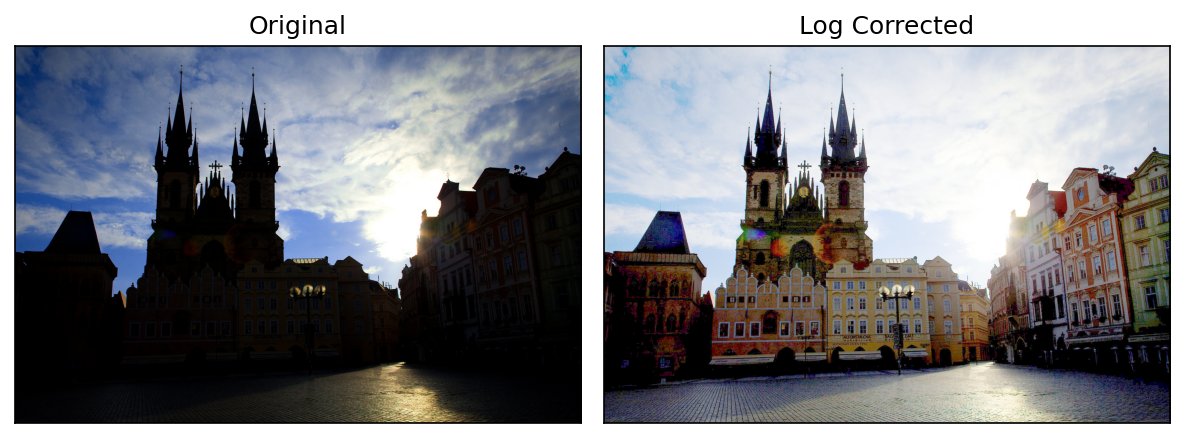 Transfer Functions
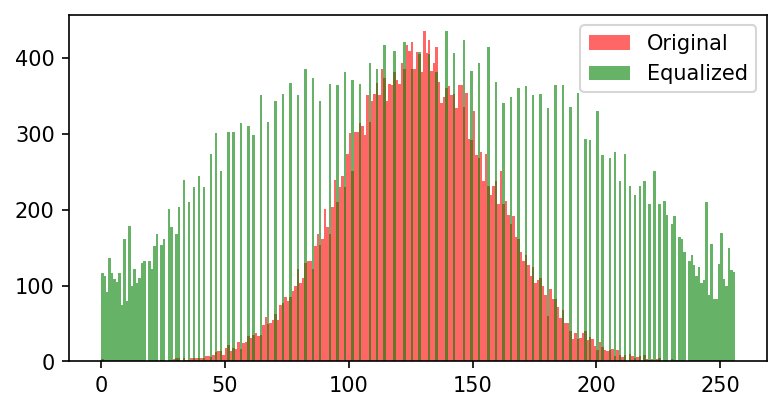 Histogram Equalization
 demo gray flower transforms
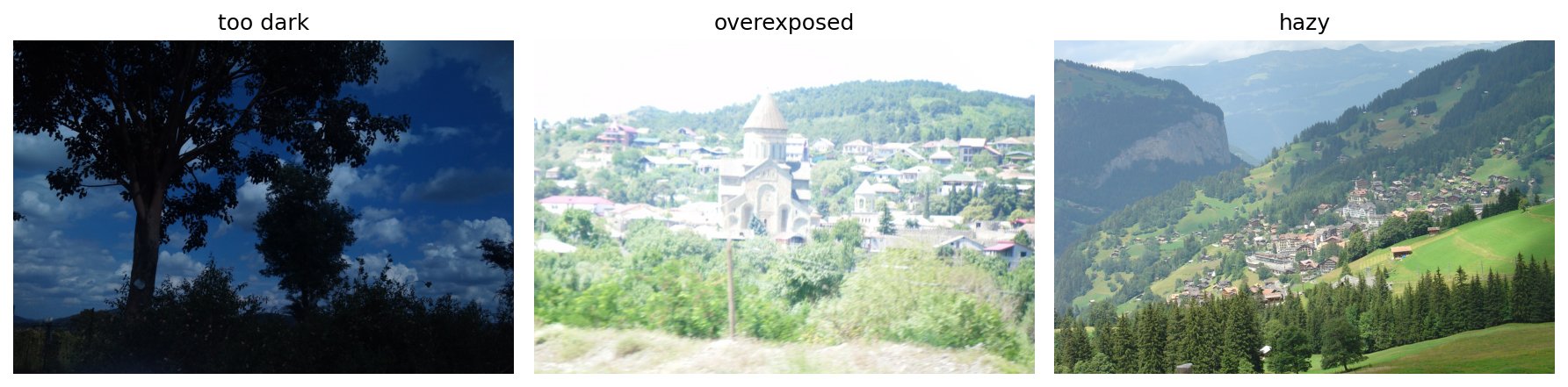 🔨 exercise playing with contrast enhancement
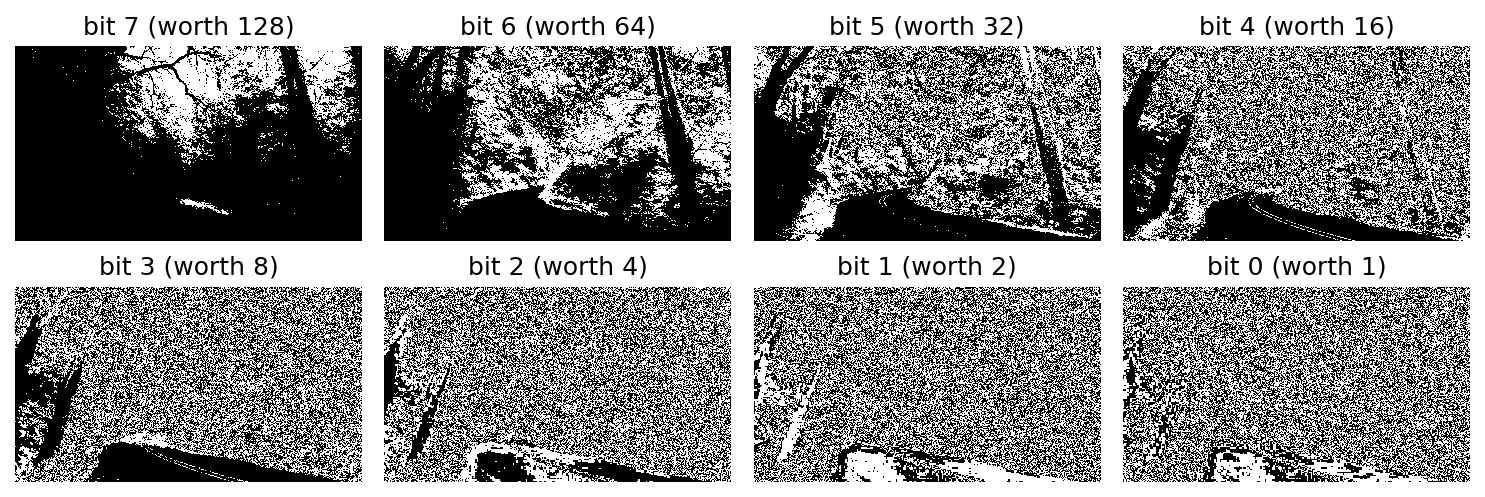 extra bit-slicing and steganography
5. Information Theory, Entropy, and Huffman Coding
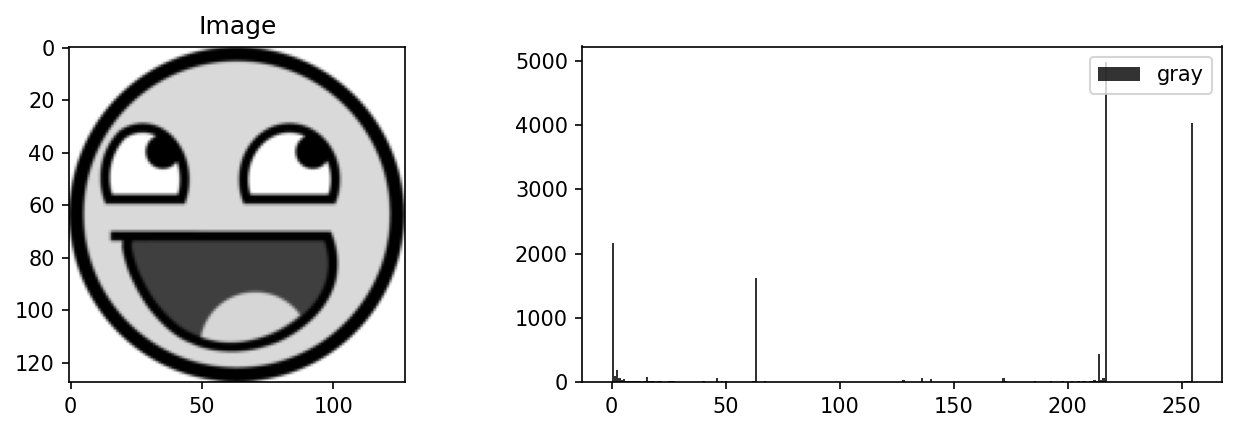 Measuring Entropy, Huffman Coding and Image Compression
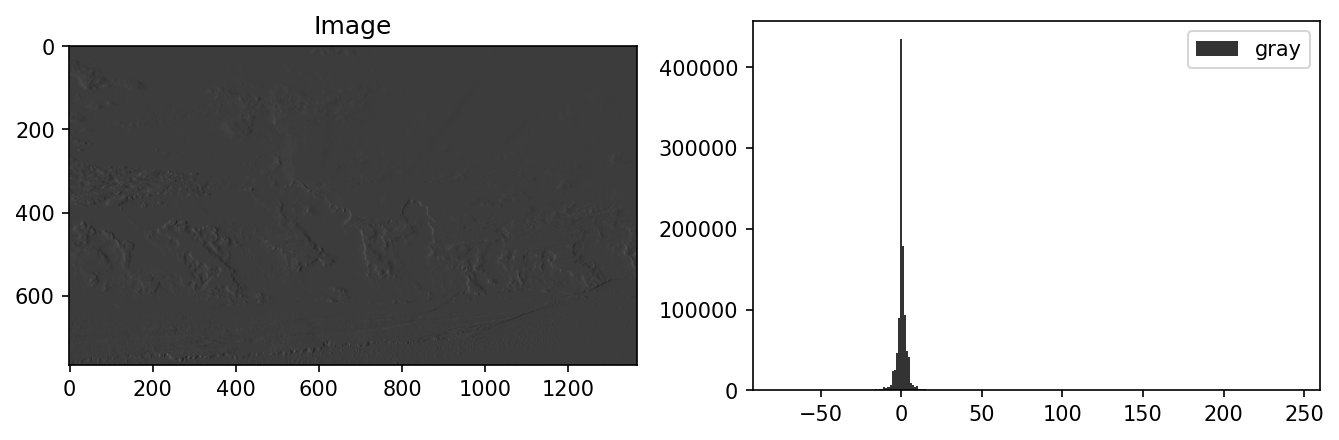 Predictive Coding and PNG Compression
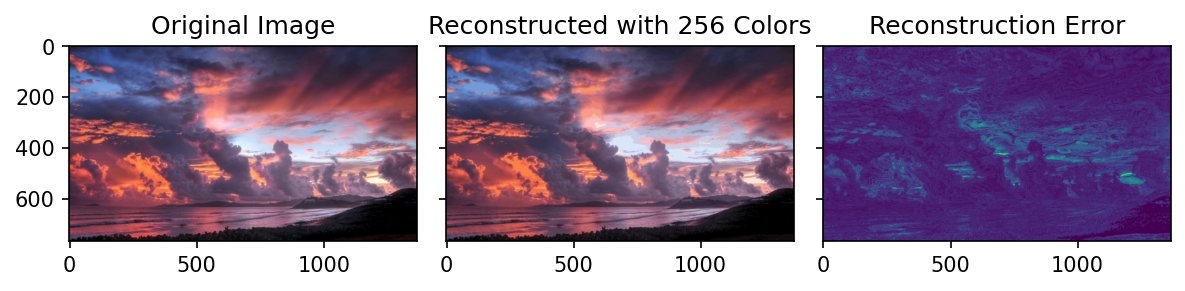 Color Clustering
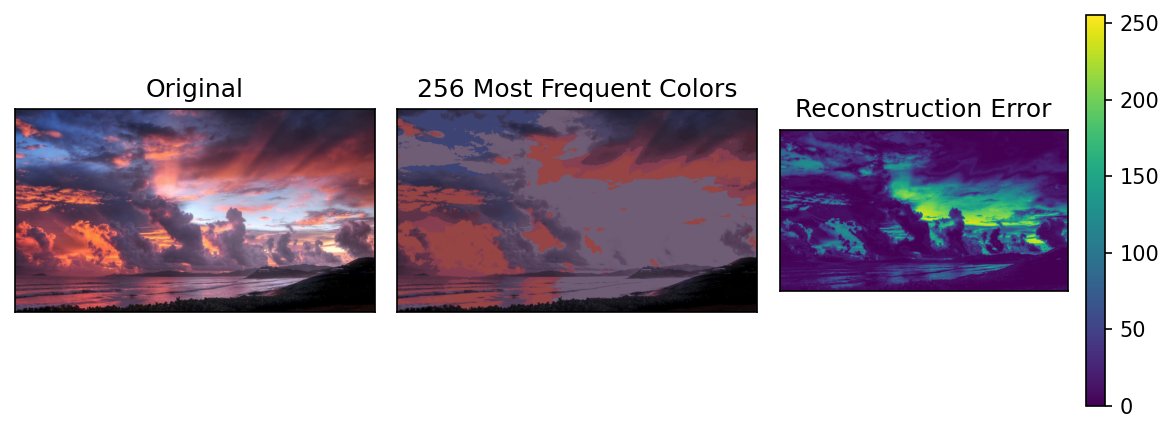 extra picking colors
Communication, Compression, and Perception (coming soon)
6. Coordinate Systems
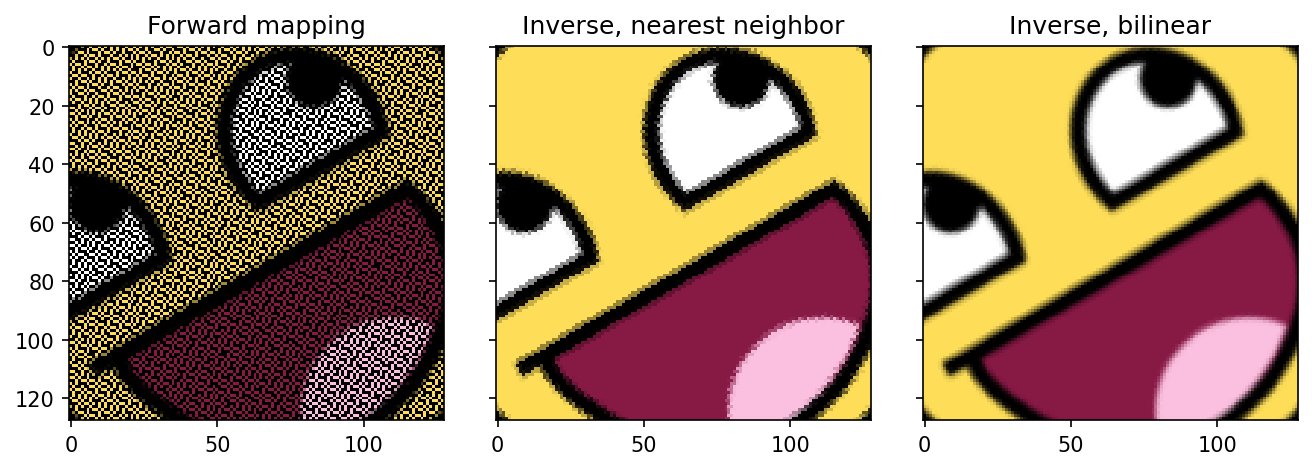 Coordinate Operations
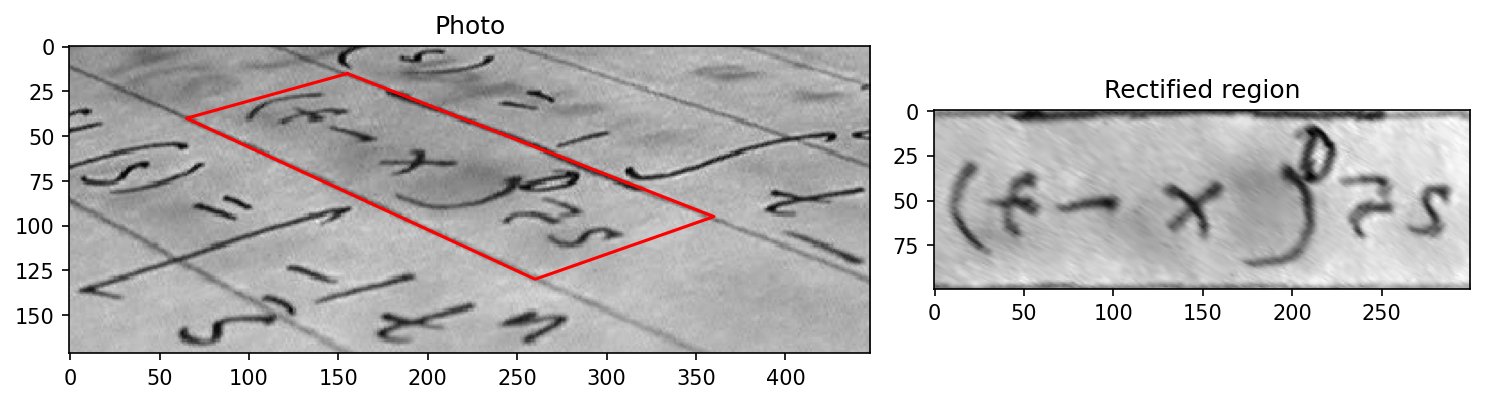 Geometric Transforms
7. Spatial Filtering, Smoothing and Sharpening
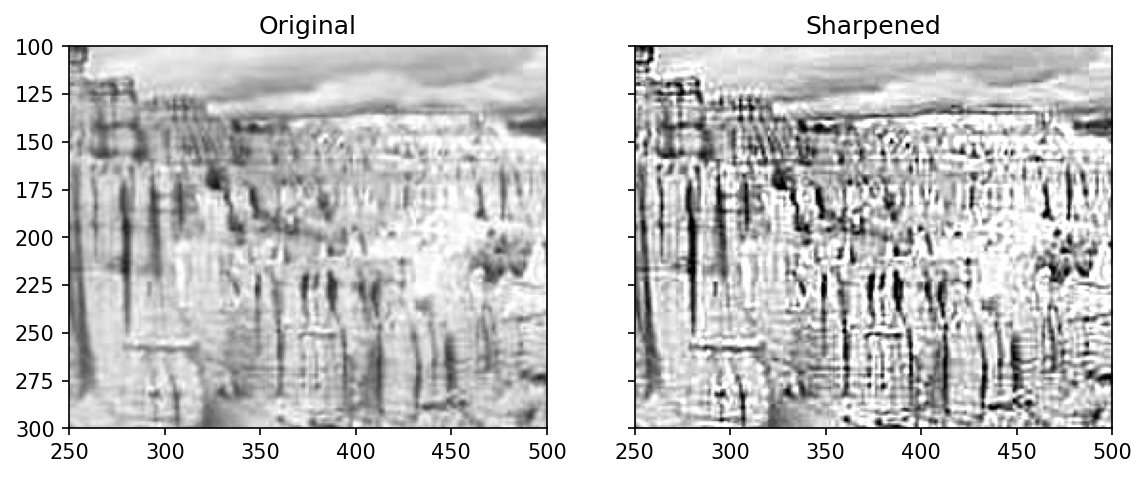 Spatial Operations
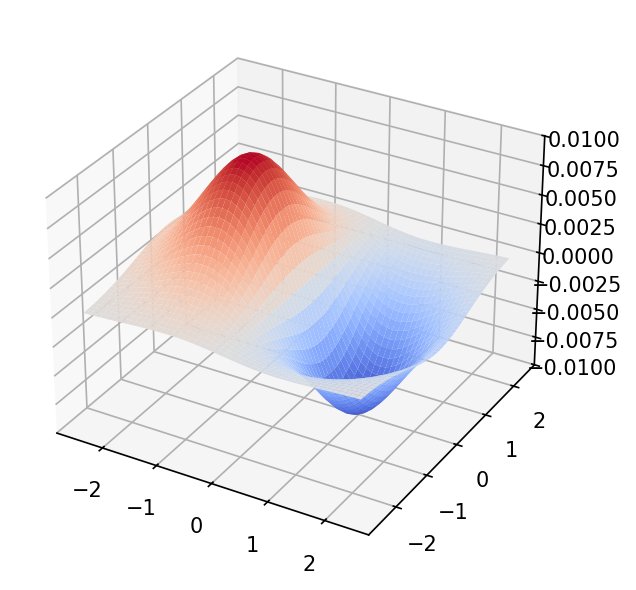 Convolution and Kernels, as 3D Height Maps
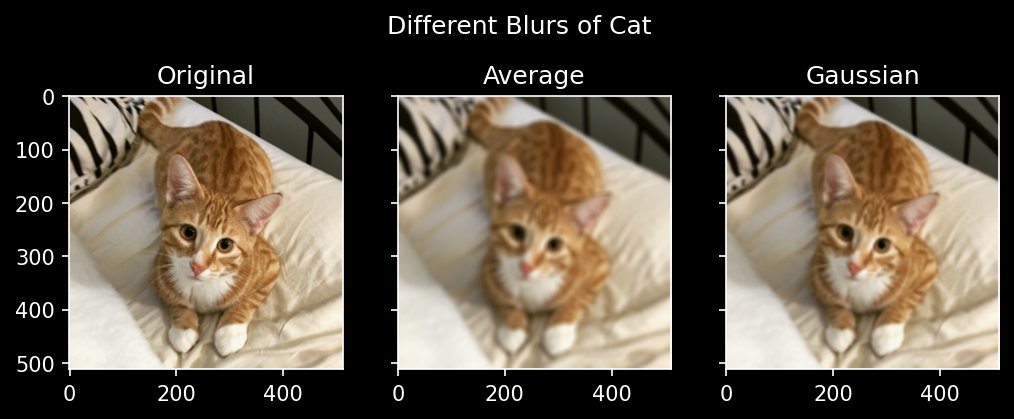 Smoothing: Low-pass Filtering
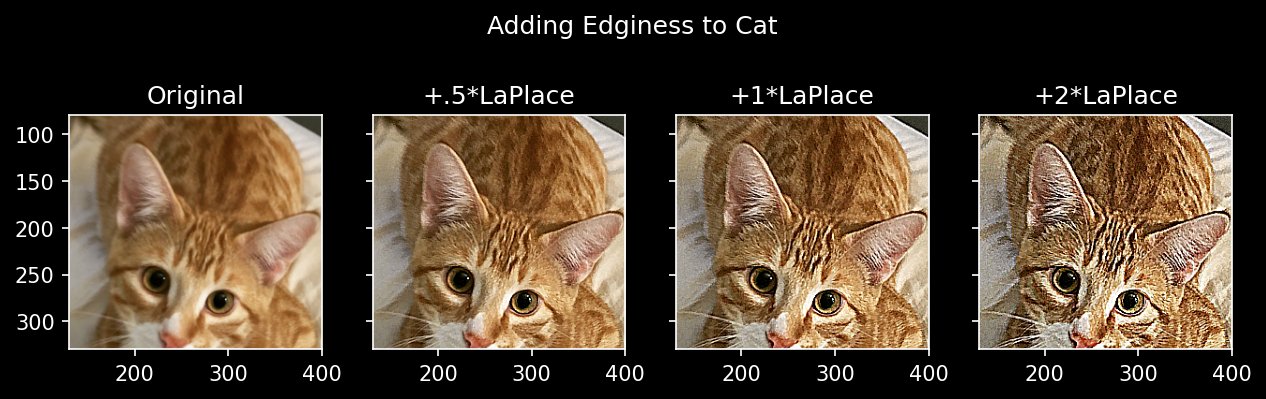 Sharpening: High-pass Filtering
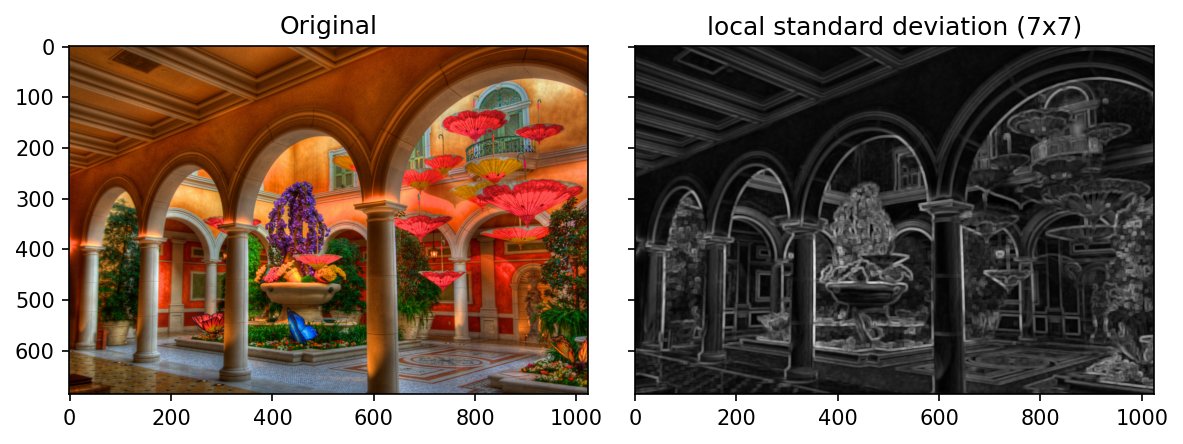 Generic and Non-linear Filtering
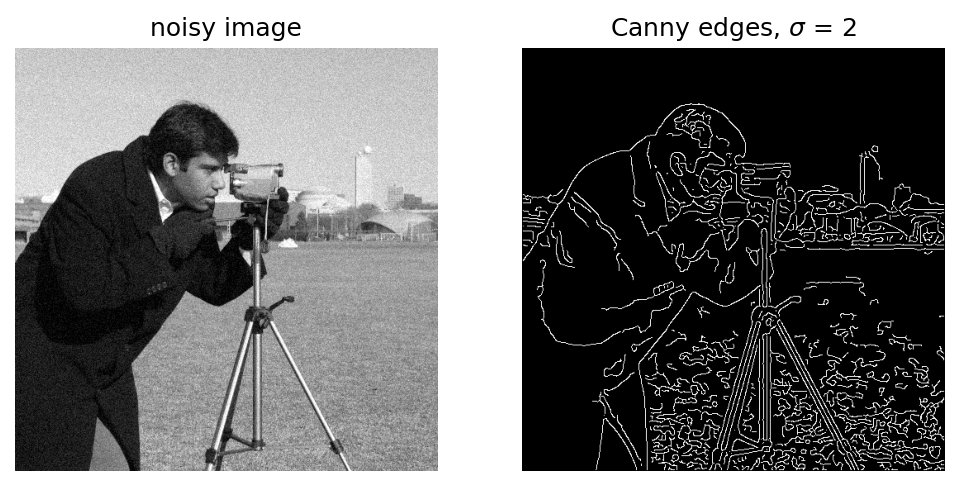 Gradient Maps and Edge Detection
8. Basis Sets, Transform Coding, Wavelet Compression
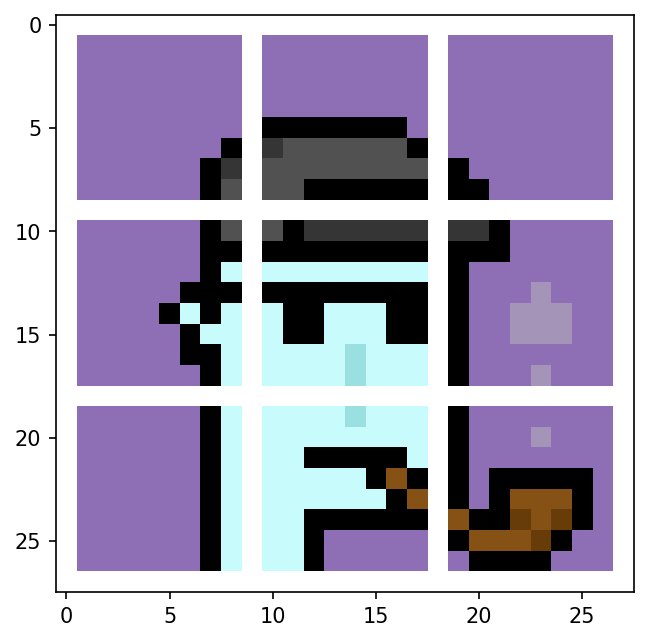 Block Transforms
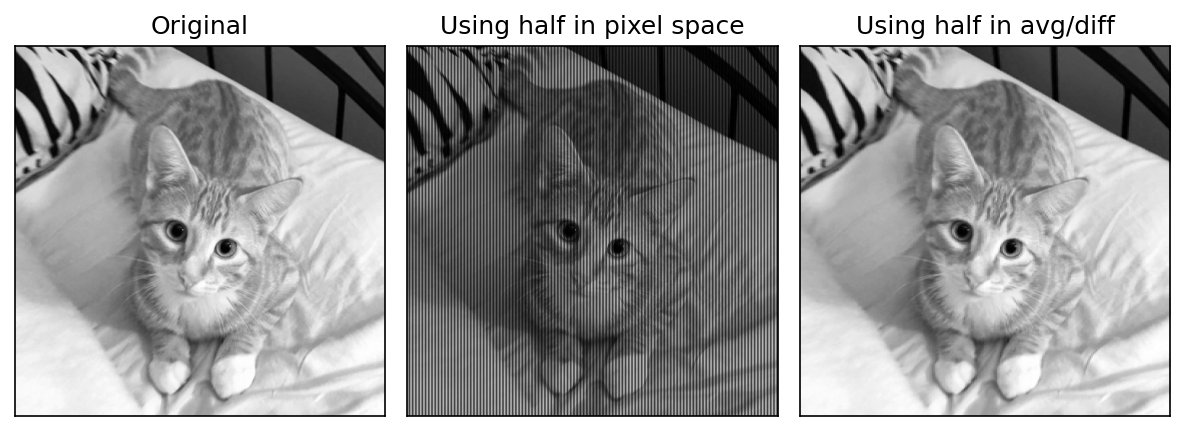 Spatial Coherence and Change of Basis
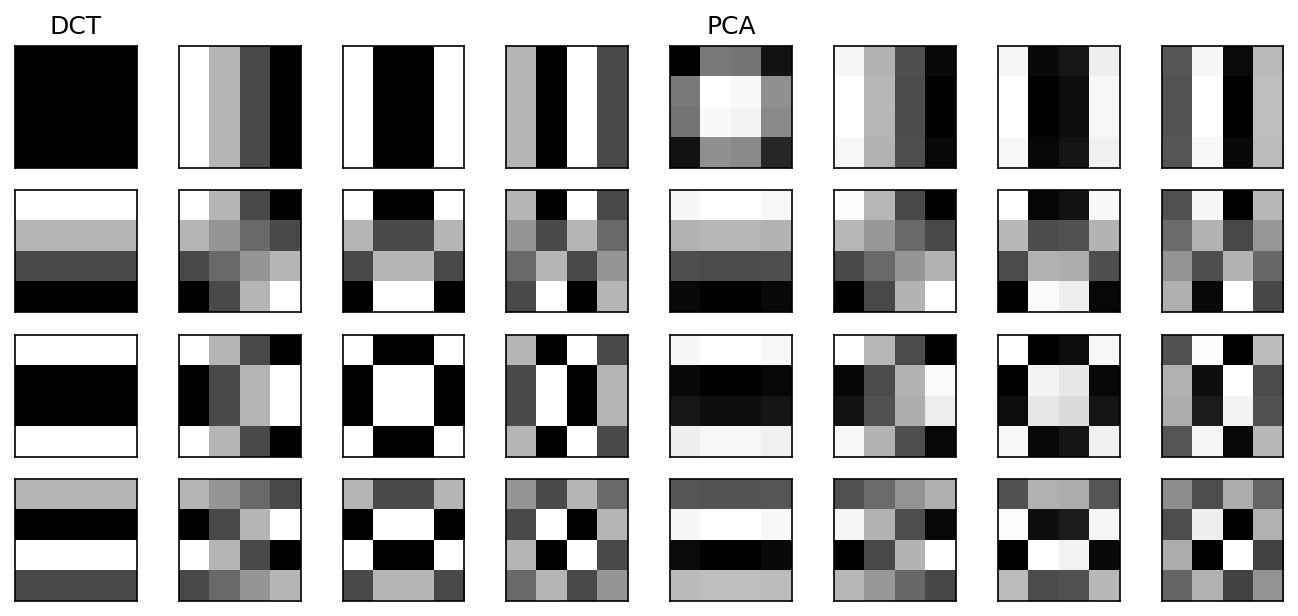 Viewing Basis Blocks
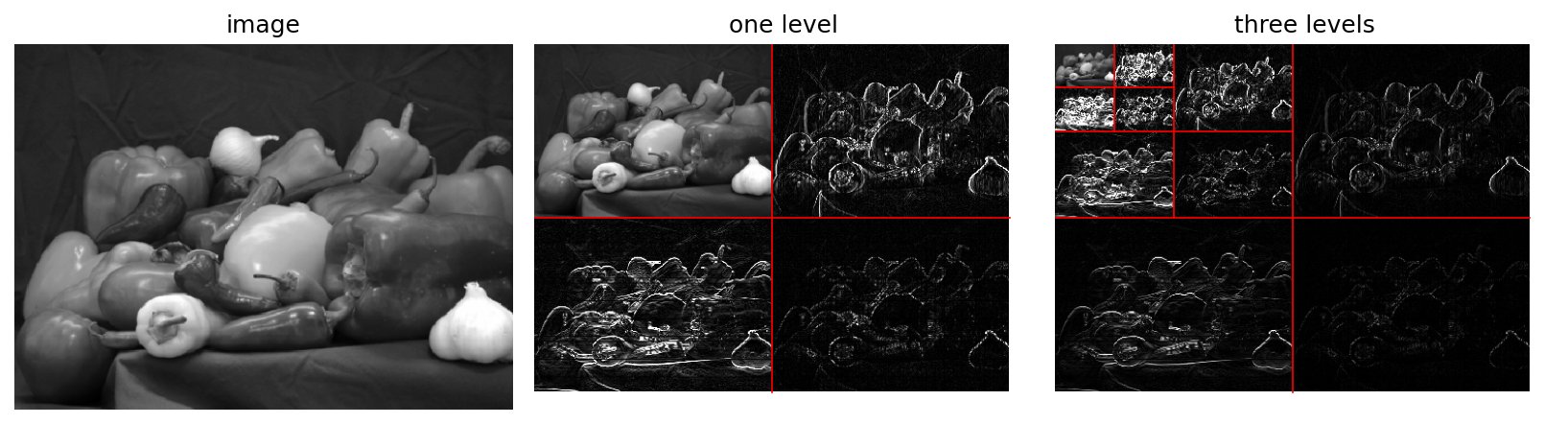 Haar Wavelets
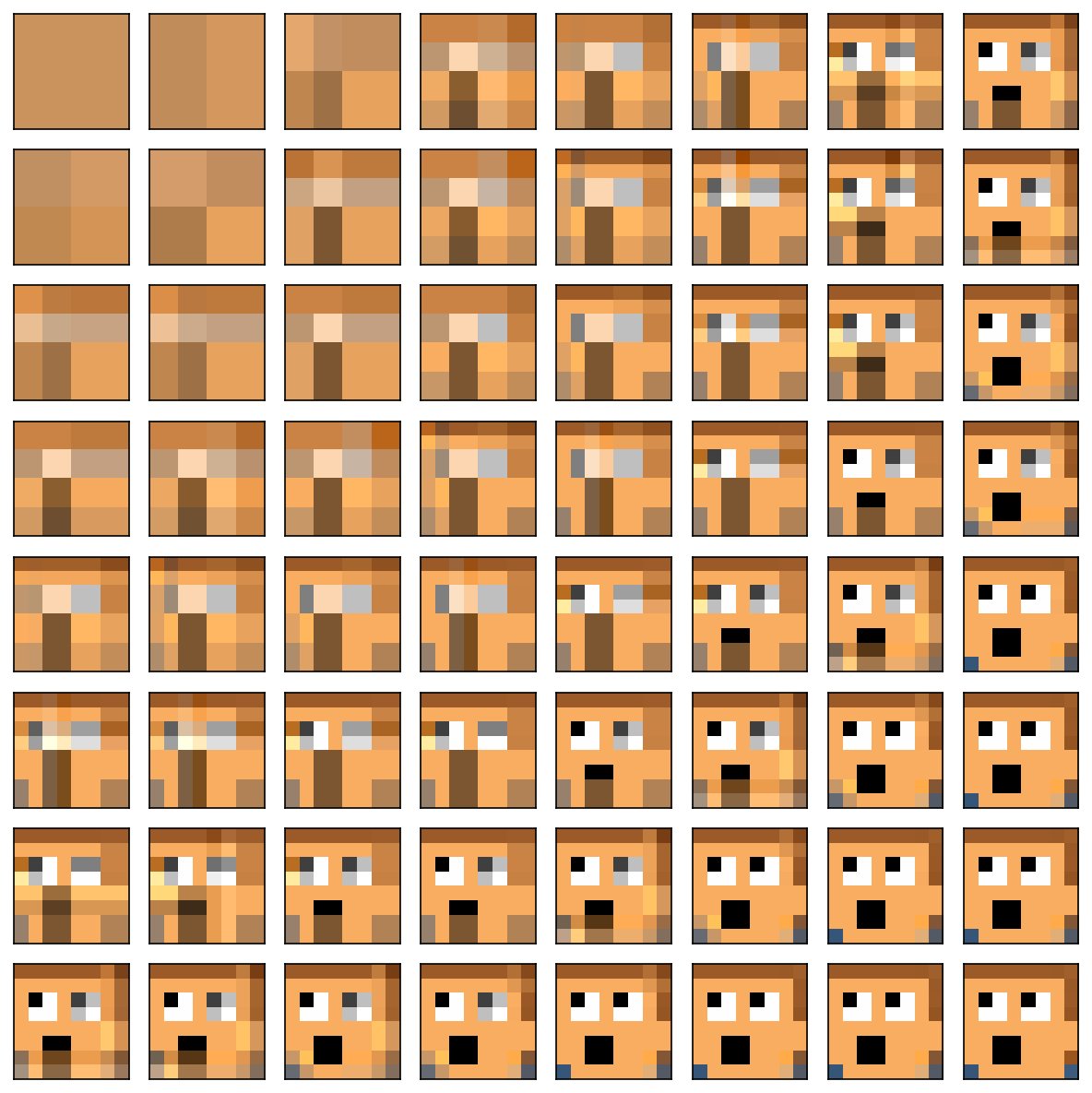 demo basis decomposition of a 64-pixel image
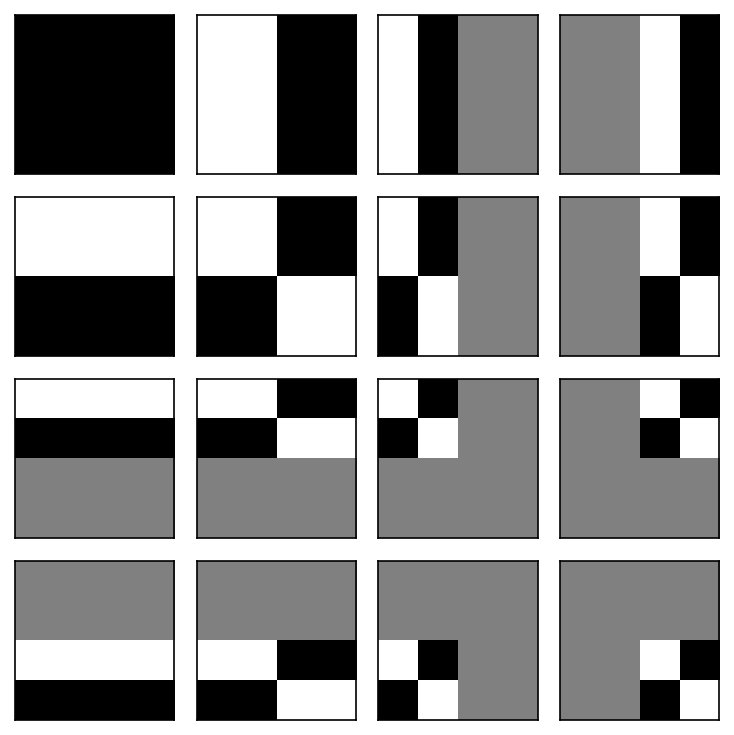 🔨 exercise Haar compression
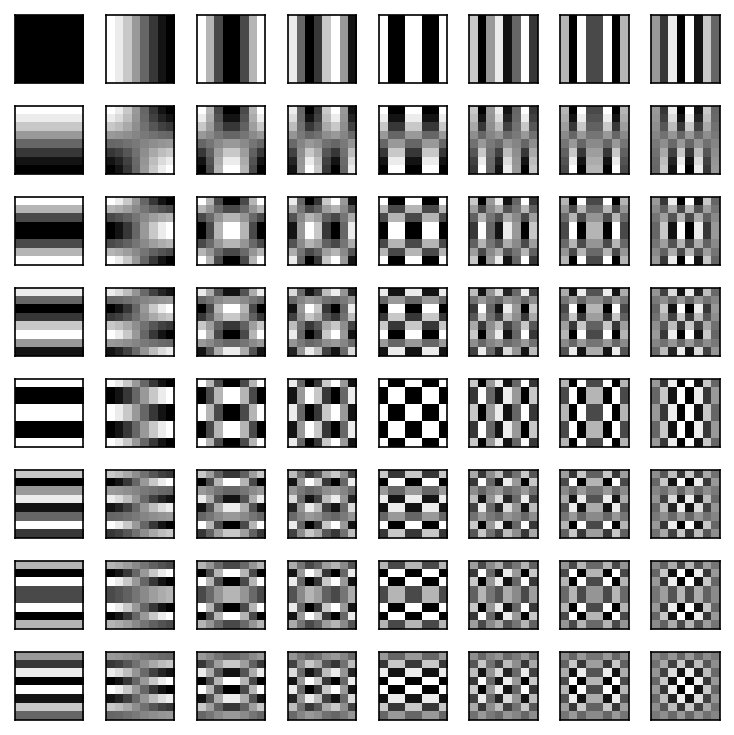 🔨 exercise DCT introduction
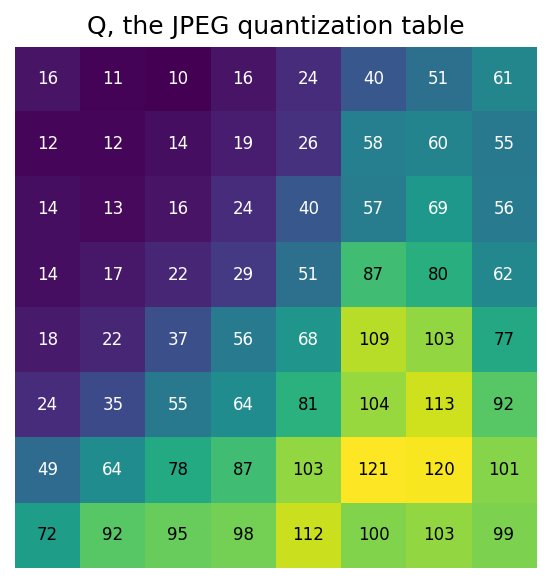 🔨 exercise JPEG compression
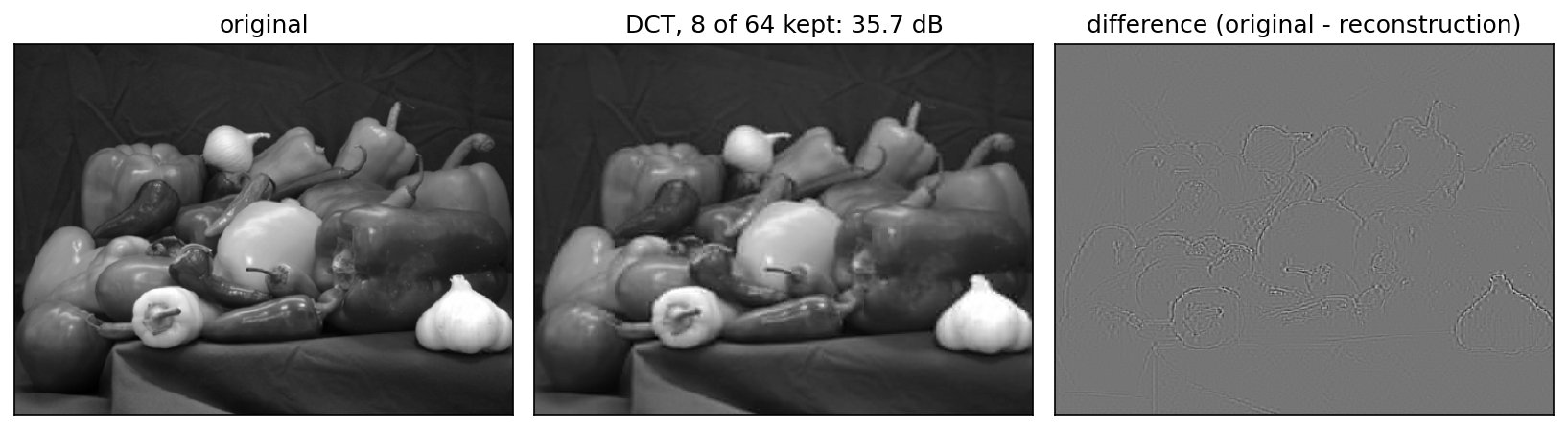 Comparing Reconstruction Efficiency
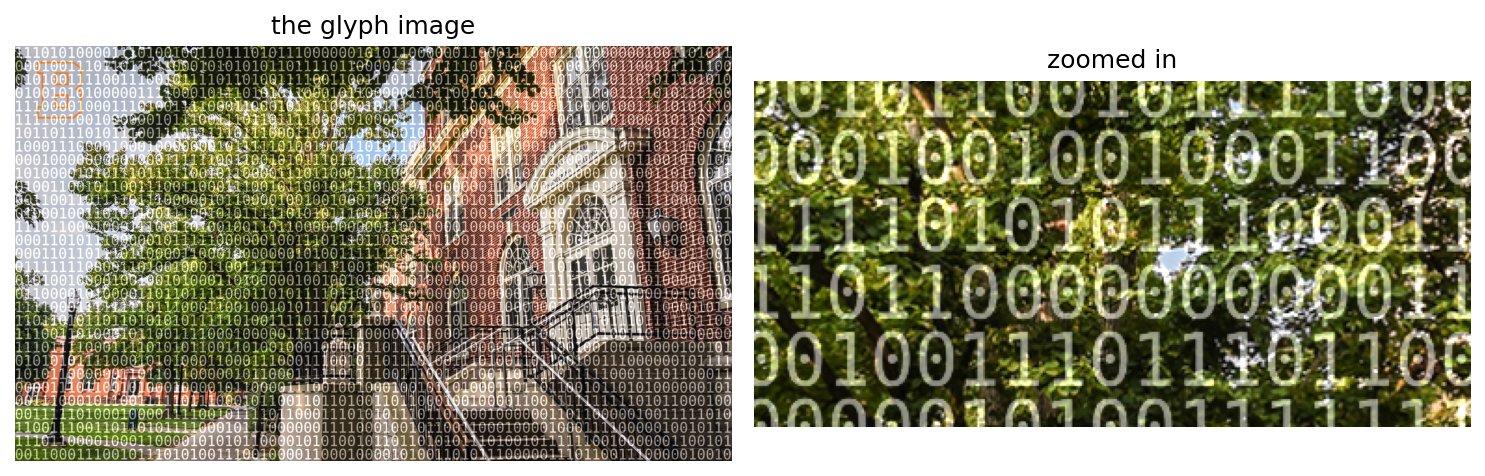 extra glyph images
9. Image Analysis, Machine Learning
Points, Edges, Regions
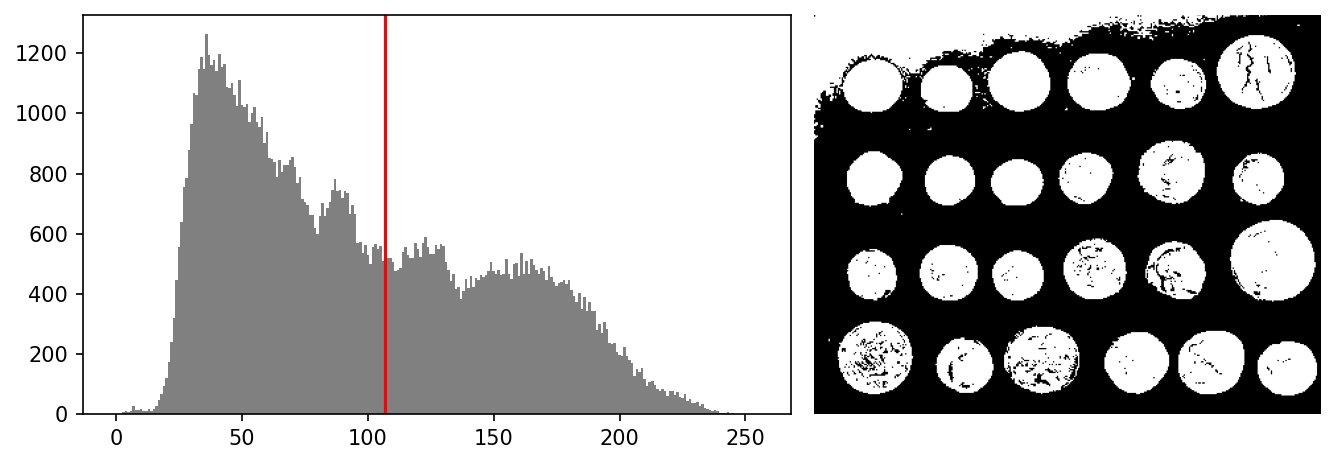 Otsu’s Method
Canny Edge Detection: see Gradient Maps and Edge Detection, under Spatial Filtering
Superpixel Clustering
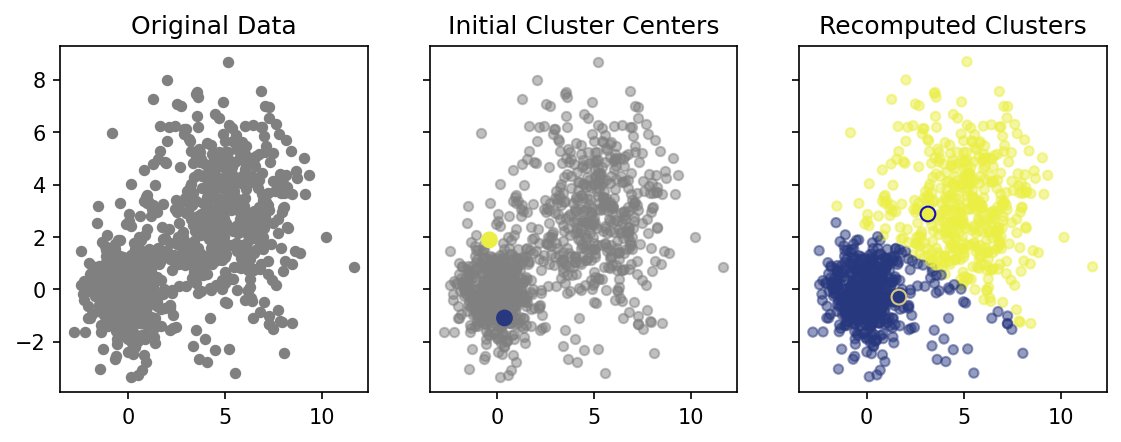 demo k-means in 2D
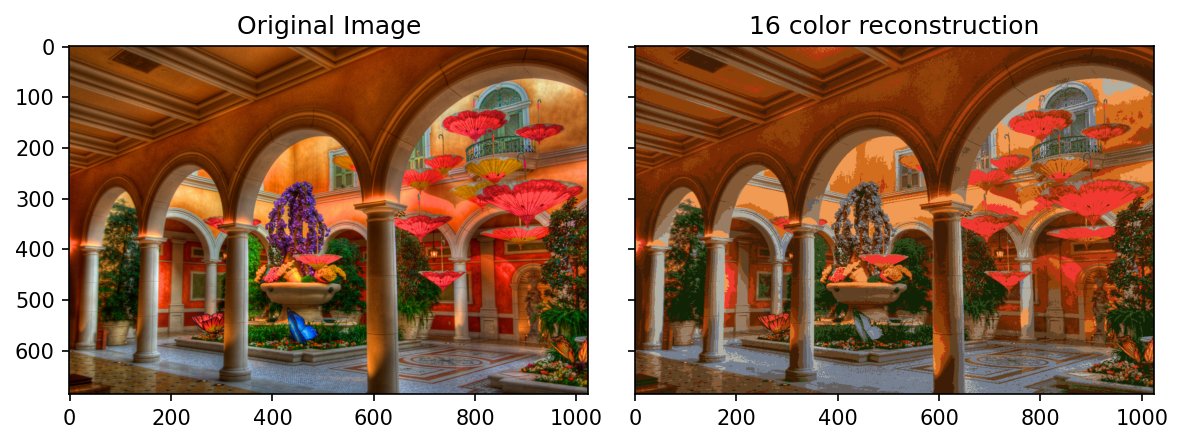 demo k-means on an image
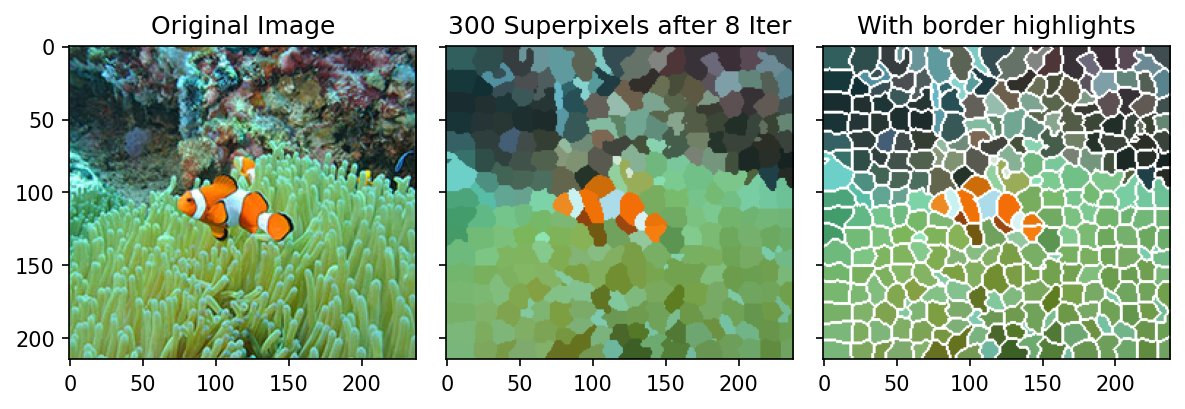 SLIC Superpixels
Machine Learning Basics: Features, Loss, Optimization
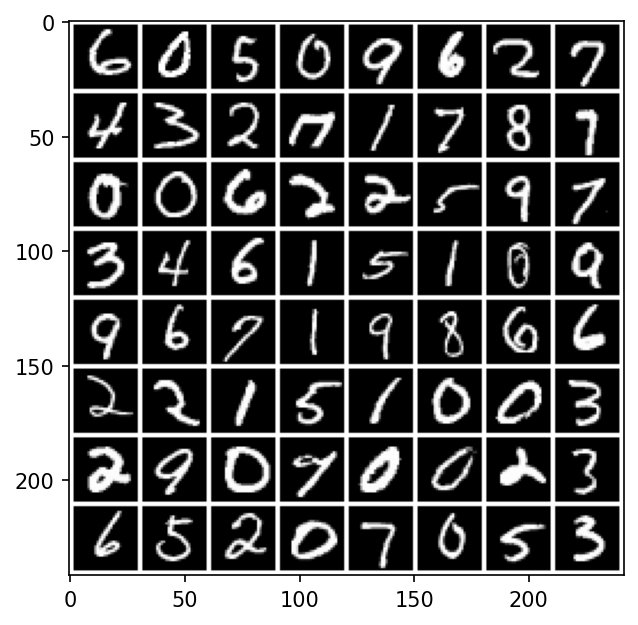 MNIST: exploring the data
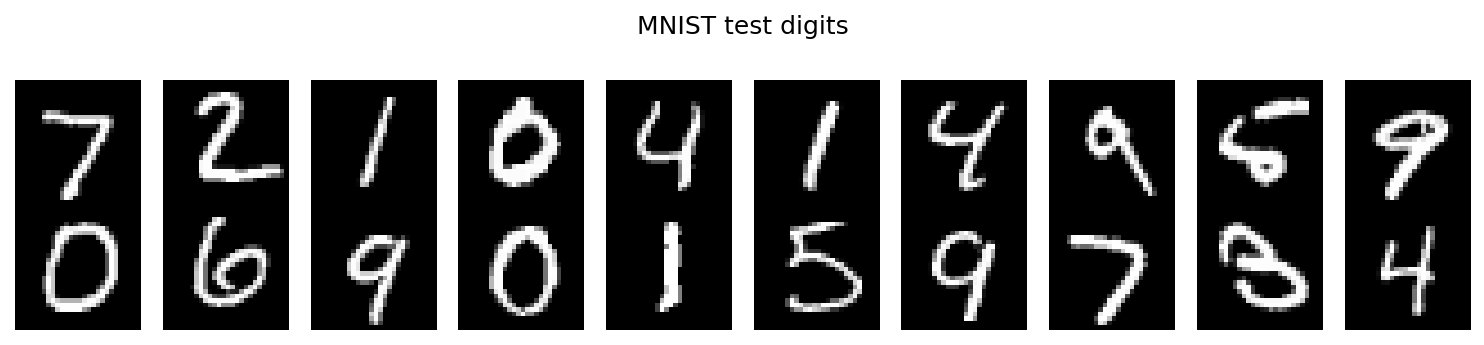 🔨 exercise MNIST by template correlation
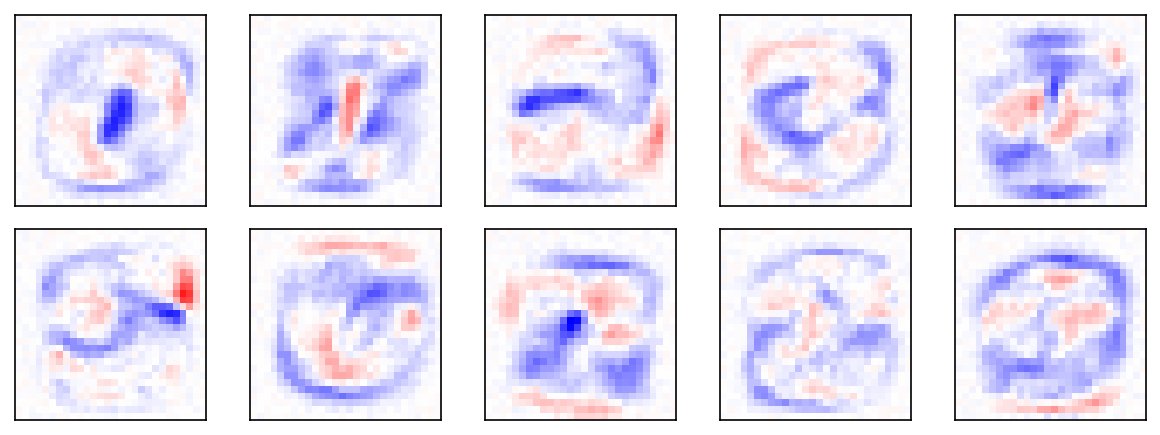 MNIST: a linear classifier
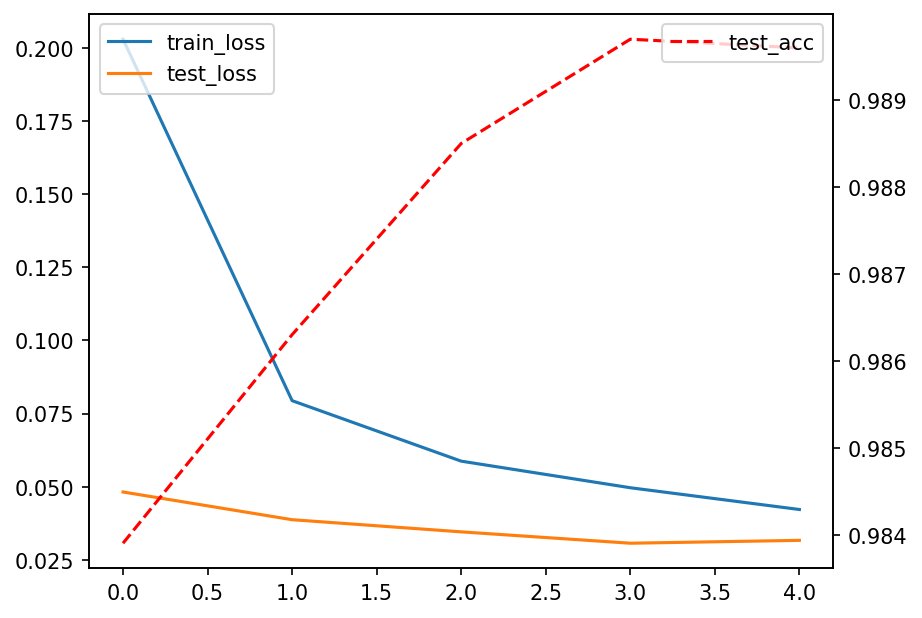 MNIST: a convolutional network
Face Recognition
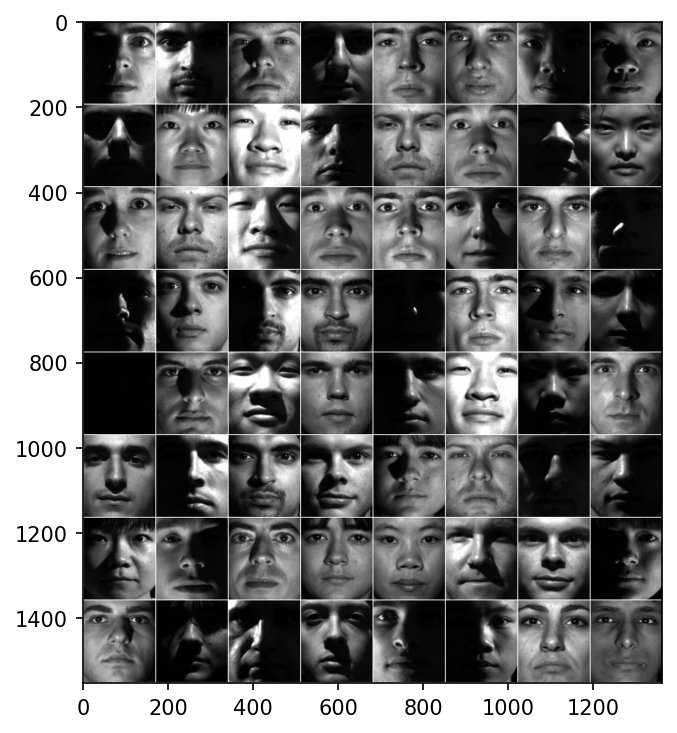 Exploring the Yale faces
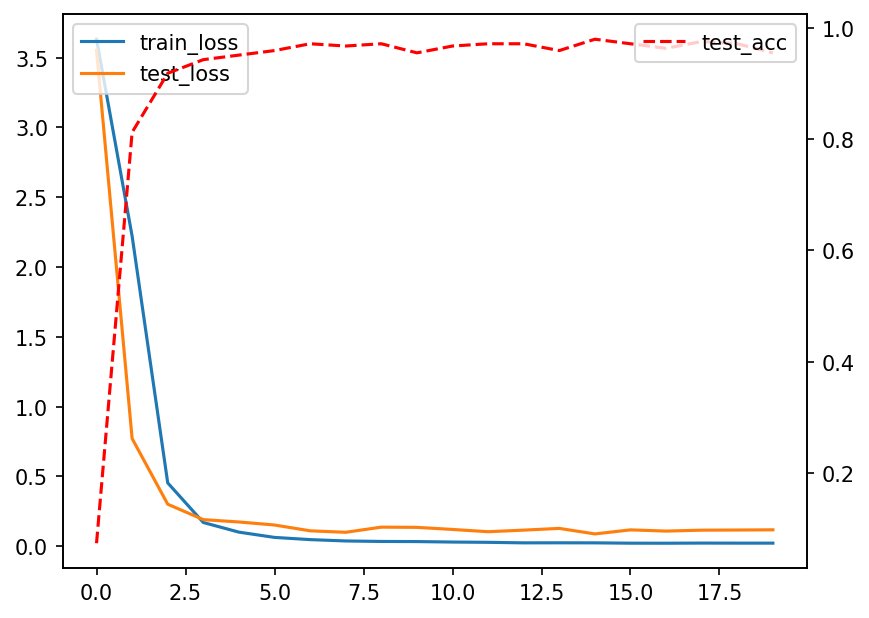 A convolutional network on Yale faces
10. Miscellanea
Principal Component Analysis
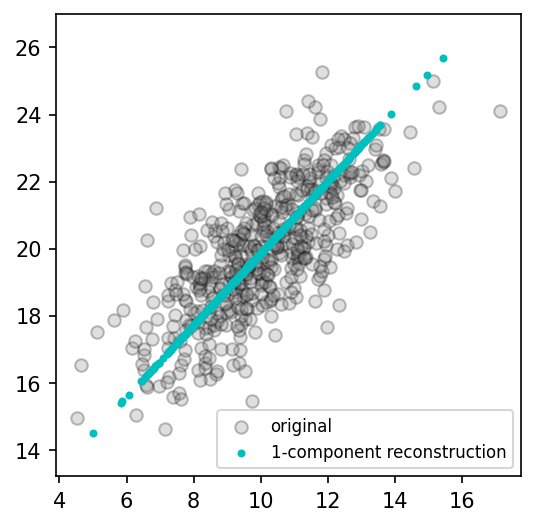 PCA in 2D
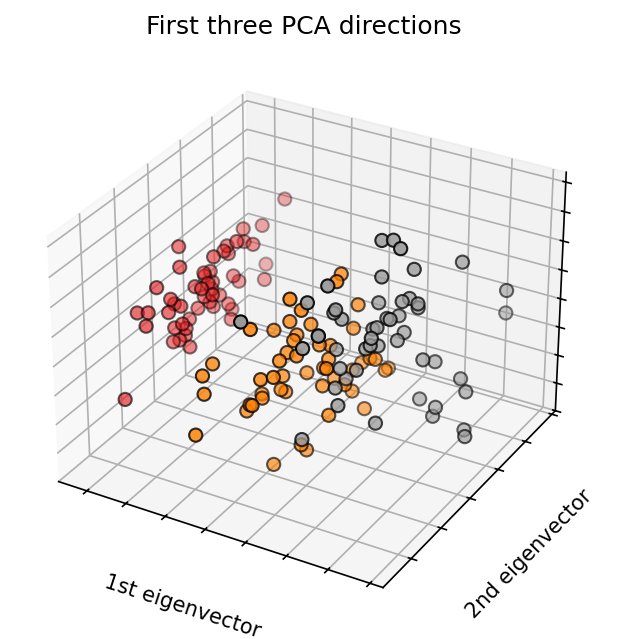 PCA on the Iris data
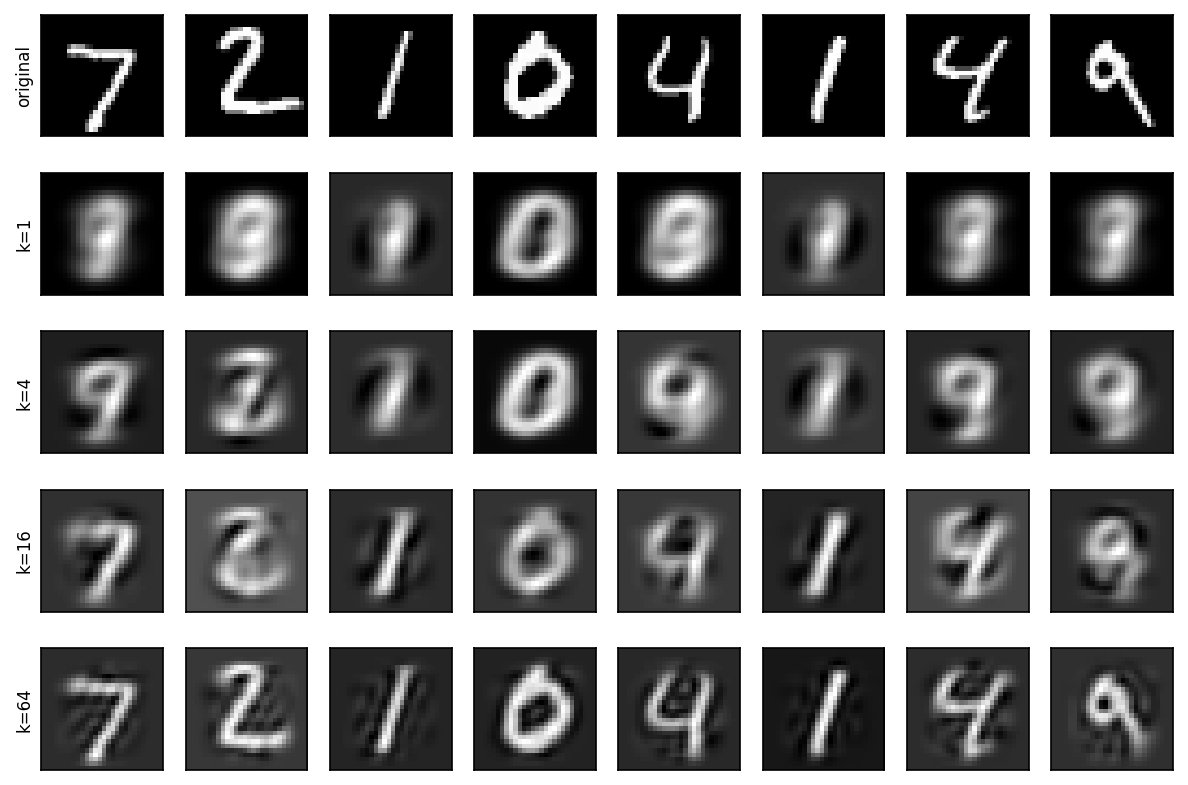 PCA on MNIST
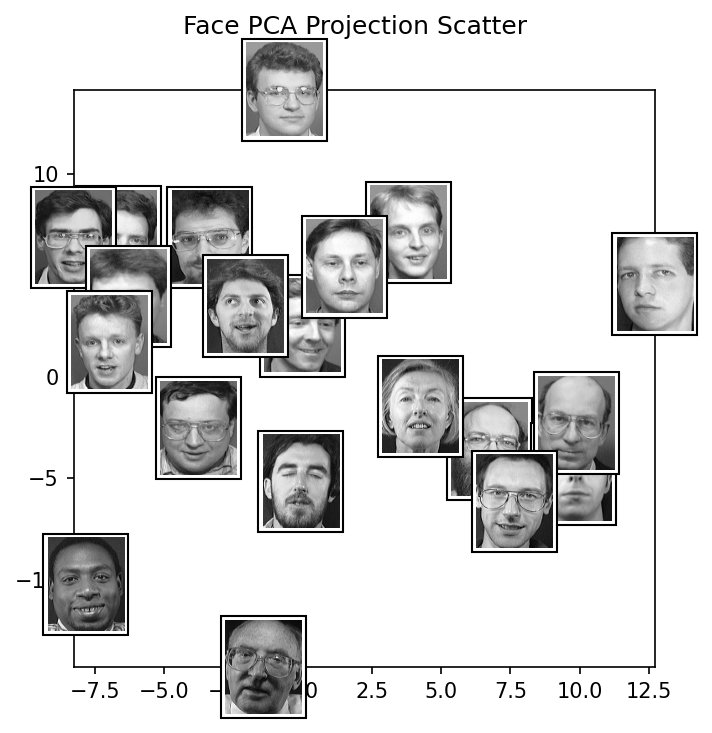 Face Space
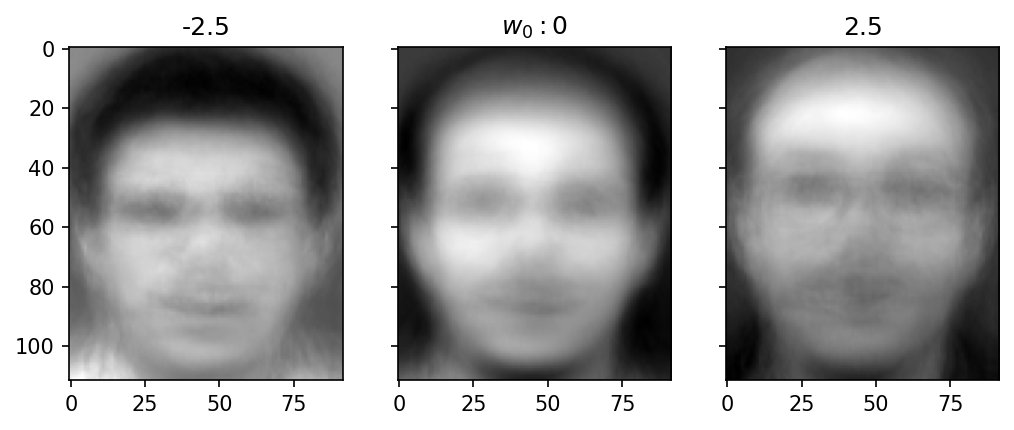 Component Spans
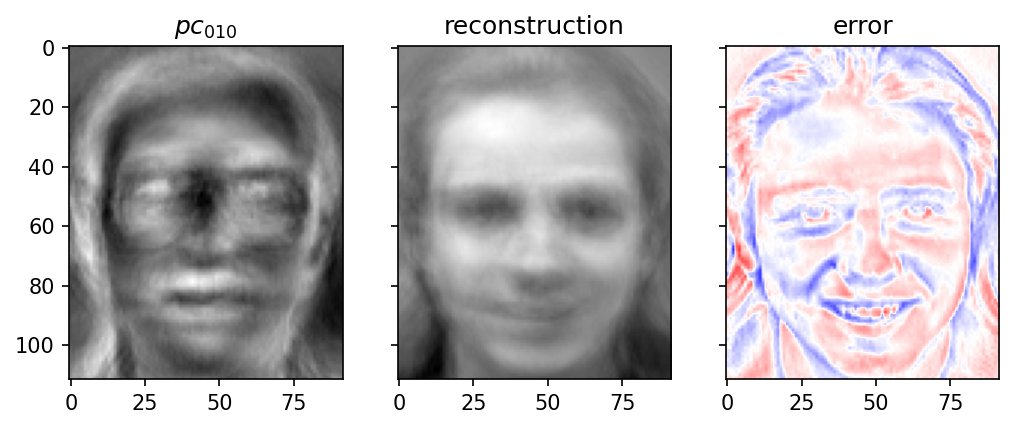 Reconstruction
Karhunen-Loève Transform and Compression: see Comparing Reconstruction Efficiency, under Basis Sets
Tomography and the Radon Transform
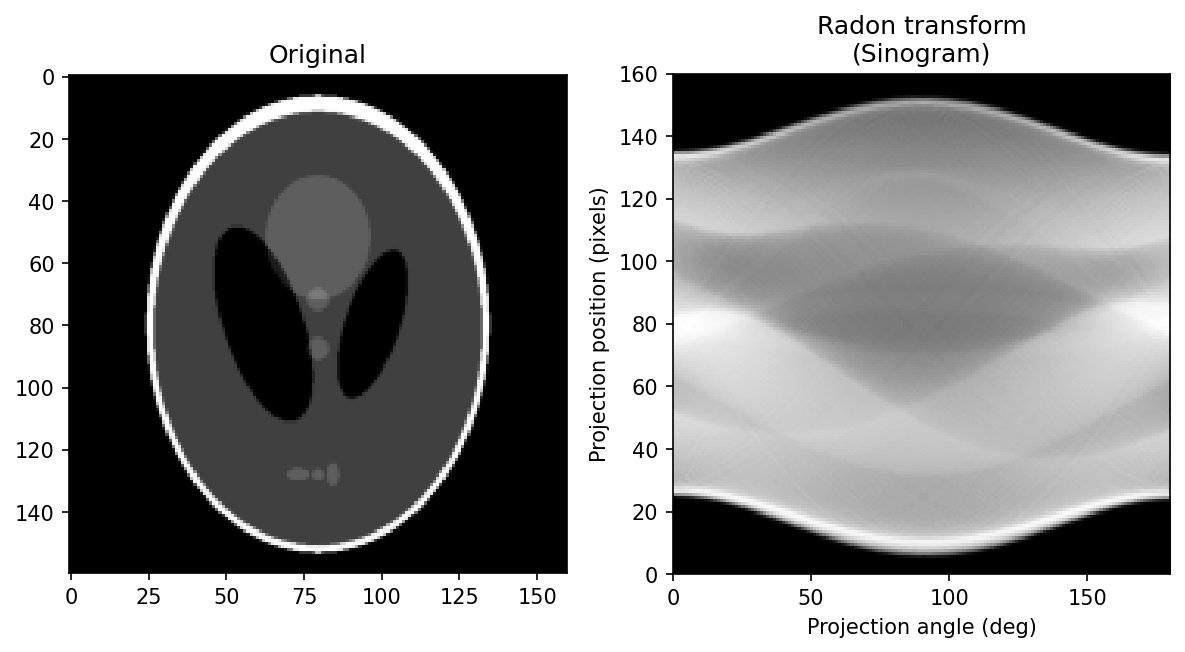 Radon forward example
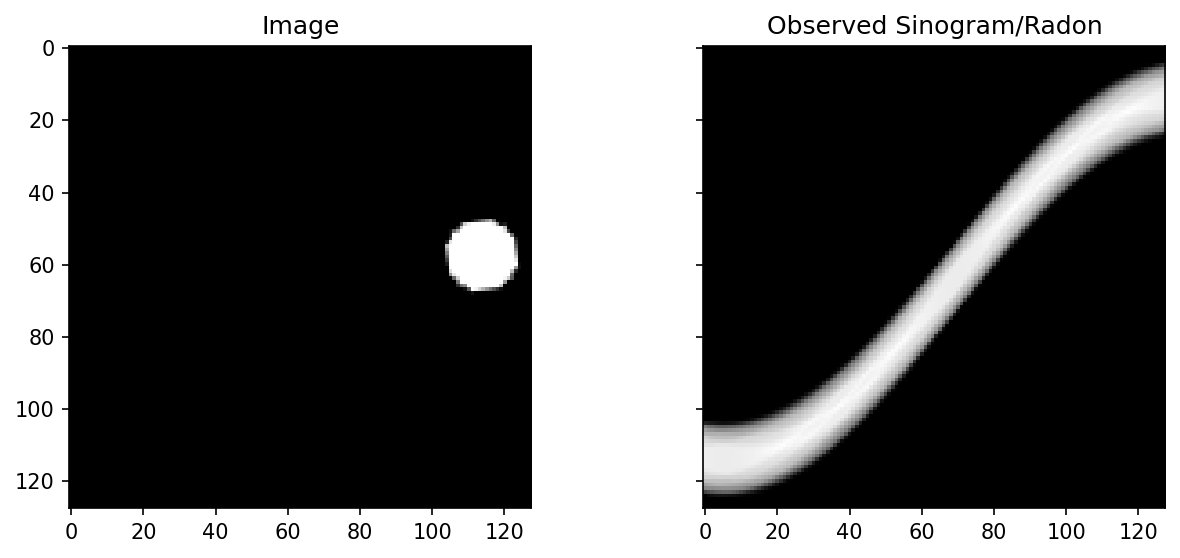 demo Radon dot animation
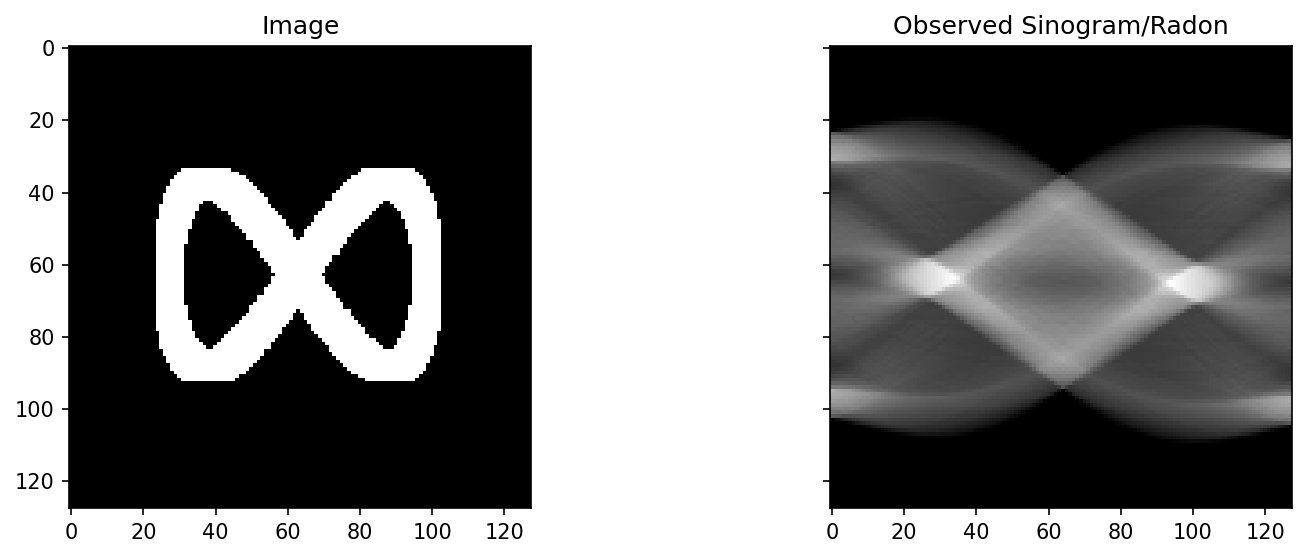 demo draw your own Radon
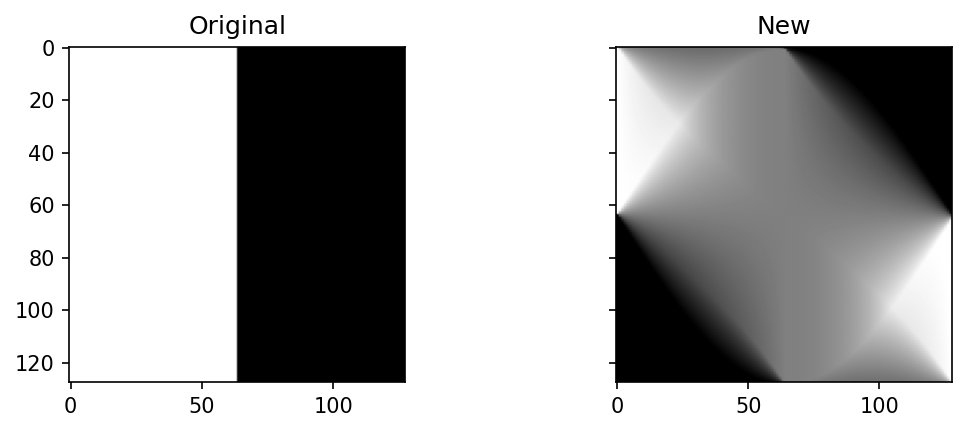 🔨 exercise playing with the Radon transform
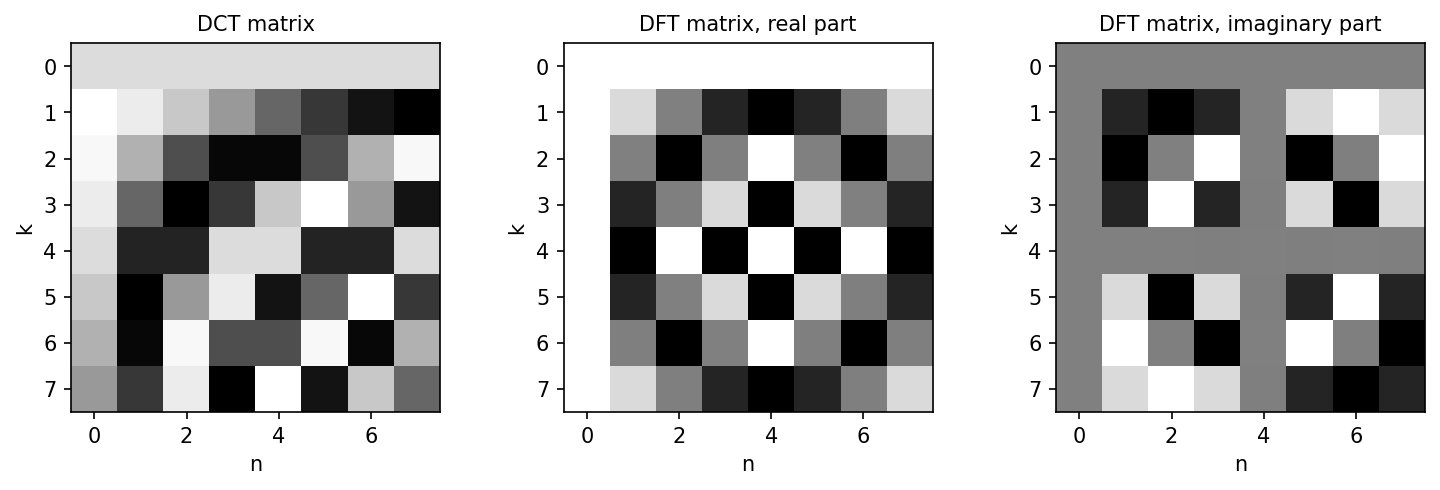 The Discrete Fourier Transform
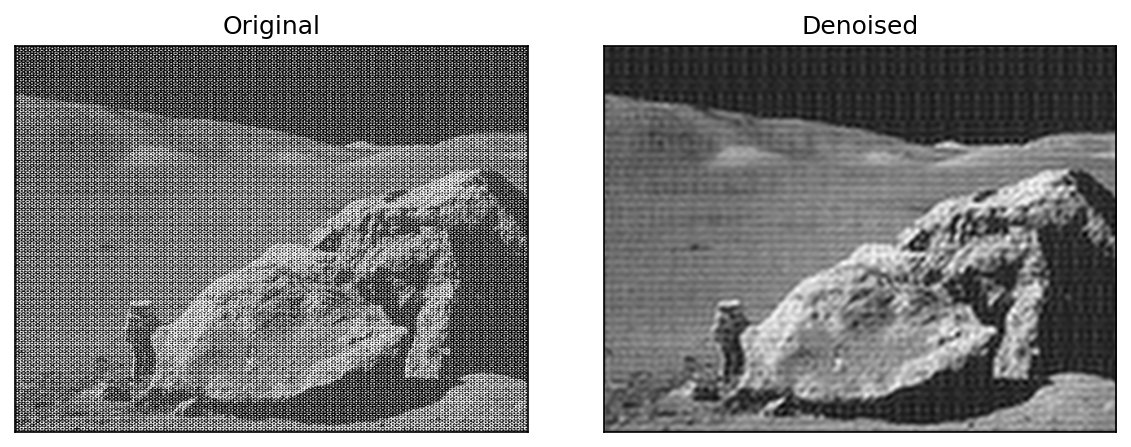 Fourier Transform
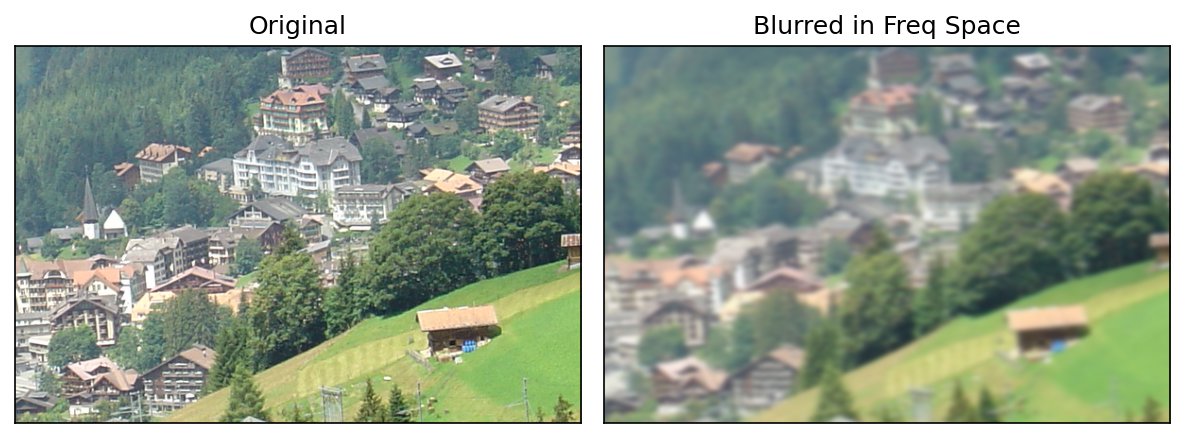 Blurring and Sharpening in the Frequency Domain
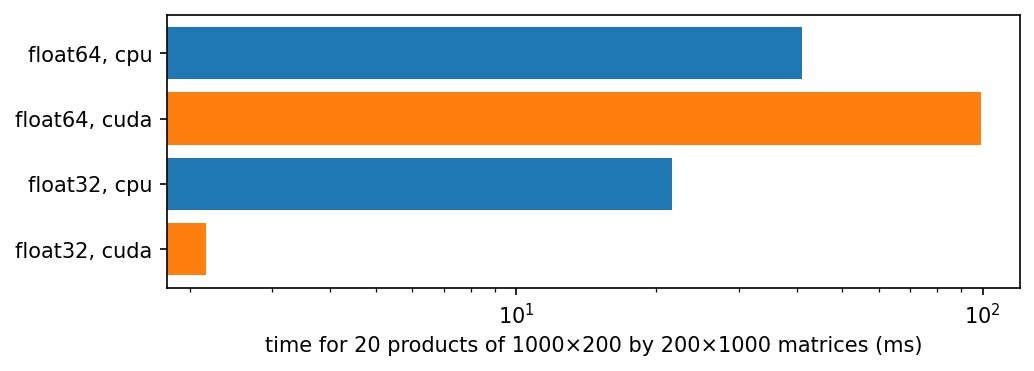 Comparing CPU and GPU with torch