stough 202-
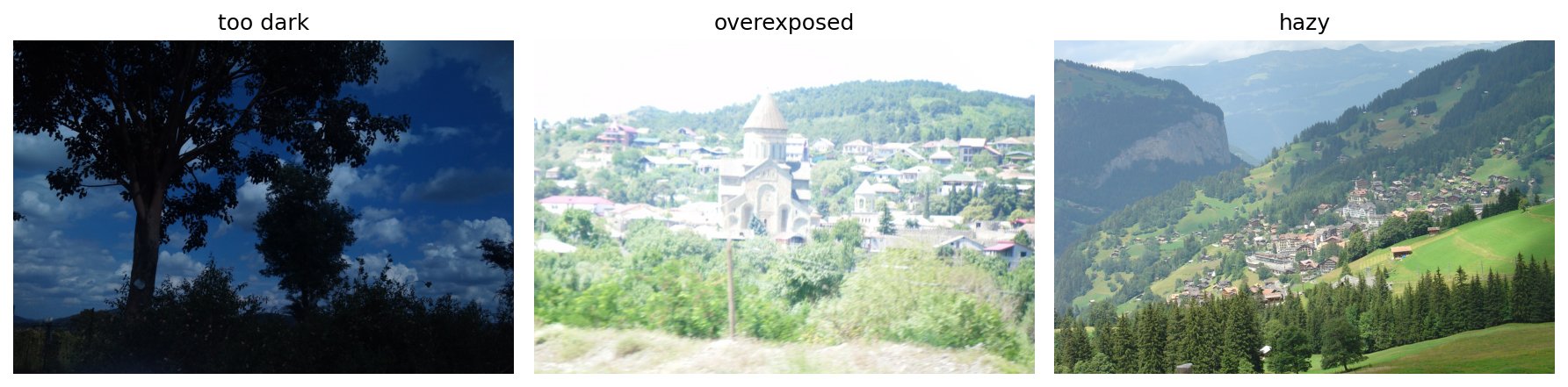
We’ve now seen how to improve image contrast through the application of transfer functions like windowing, power/gamma, log, and others. We’ve also seen how Histogram Equalization creates an ideal transfer function in some sense--that of leading to a uniform histogram. Use these other and demos in order to answer for yourself the following questions
# Imports?Find an Image
Find at least two reasonably inoffensive images to test on. One key here is that because we’re doing contrast enhancement, you might err on the side of lower-contrast images. You don’t have to do every test on both, but it wouldn’t be difficult.
1. Parametric Transfer Functions
Use
vis_histsto show the histogram of an image.With that visual assistance consider what parametric transfer function (power/gamma, log, exponent) might be helpful in this image’s case.
Justify your choice with written description
Display the result of applying the transfer function of choice to the image.
You can use
vis_pairto show both the original and the presumeably contrast-enhanced images together.Explain how, with written description, the figures you generate either do or do not reflect your justification from before. You can even show a zoomed-in section that illustrates your contentions.
2. Alternative Colorspaces
Show the same parametric contrast enhancement as in Part 1, but performed only on Luminance/Y/Value dimension after conversion into Lab/YCbCr/HSV. Try all three alternative colorspaces and explain your results. Remember, you’ll need to:
Convert to the alternative colorspace using the appropriate skimage.color function.
Change only the one channel you’re working with. Be sure you’re not producing out-of-bounds values for the particular colorspace you choose.
Convert back using the appropriate inverse from
skimage.color.
You can use vis_hists and/or extend vis_pair to show all three together. Compare and contrast your results.
3. Histogram Equalization
Again you can use vis_hists, vis_pair, vis_[rgb,lab,hsv,ybr]_cube to visualize results.
Histogram-equalize an image and show the resulting change in the image (as in, “Before” and “After” with
vis_pair).Explain how, with written description, the figures you generate do or do not reflect good contrast enhancement. Are there artifacts in the corrected image that make it not an “improvement” in your eyes?
Try with two alternative colorspaces: Perform the histogram equalization on only the Luminance/Y/Value dimension after conversion into Lab/YCbCr/HSV space, and show the results.
Explain your results.